问题:您有一张图片的 URL,您想用 Python 在本地计算机上下载并保存该图片。
解决方案 您可以使用 Python 的请求库从 URL 下载图片,然后将其保存到本地文件系统中。下面是一个逐步的解决方案:
步骤 1:安装请求库
pip install requests
步骤 2:编写 Python 代码
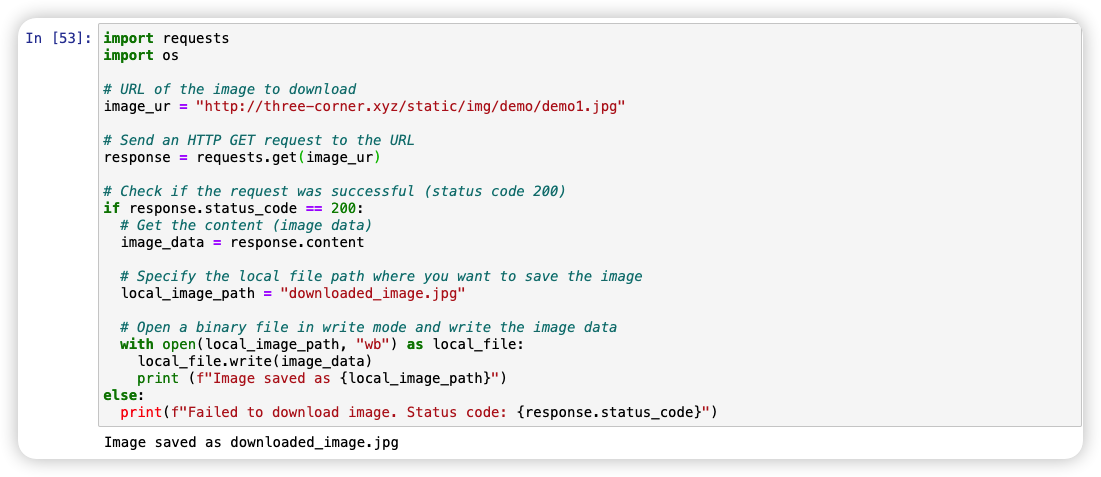
import requests
import os

# URL of the image to download
image_ur = "https://three-corner.xyz/static/img/demo/demo1.jpg"

# Send an HTTP GET request to the URL
response = requests.get(image_ur)

# Check if the request was successful (status code 200)
if response.status_code == 200:
  # Get the content (image data)
  image_data = response.content

  # Specify the local file path where you want to save the image
  local_image_path = "downloaded_image.jpg"

  # Open a binary file in write mode and write the image data
  with open(local_image_path, "wb") as local_file:
    local_file.write(image_data)
    print (f"Image saved as {local_image_path}")
else:
  print(f"Failed to download image. Status code: {response.status_code}")
 如果上面的代码运行是出现
SSLError:的证书验证失败,可以在第8行的requests.get()里面添加verify=False参数,跳过ssl证书的校验,或者更新certifi库,都可以解决问题。


