数字类型及其元类 数字模块包含数字类型的抽象元类:
| subclasses | numbers.Number | numbers.Integral | numbers.Rational | numbers.Real | numbers.Complex |
|---|---|---|---|---|---|
bool |
✓ | ✓ | ✓ | ✓ | ✓ |
int |
✓ | ✓ | ✓ | ✓ | ✓ |
fractions.Fraction |
✓ | ― | ✓ | ✓ | ✓ |
float |
✓ | ― | ― | ✓ | ✓ |
complex |
✓ | ― | ― | ― | ✓ |
decimal.Decimal |
✓ | ― | ― | ― | ― |
Python 本身可以执行常见的数学运算,包括整数和浮点除法、乘法、指数、加法和减法。数学模块(包含在所有标准 Python 版本中)提供三角函数、根运算、对数等扩展功能。
Section 9.1: 除法
当两个操作数都是整数时,Python 进行整除。从 Python 2.x 和 3.x 开始,Python 除法运算符的行为发生了变化。
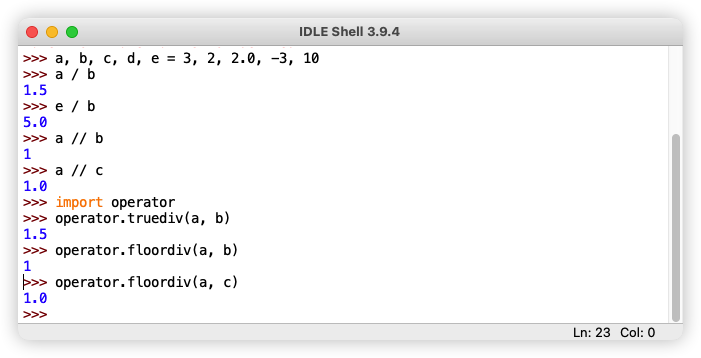
a, b, c, d, e = 3, 2, 2.0, -3, 10
Python 3.x 版本 ≥ 3.0
在 Python 3 中,/ 运算符执行 “true ”除法,与类型无关。// 运算符执行底层除法并保持类型不变。
a / b # = 1.5
e / b # = 5.0
a // b # = 1
a // c # = 1.0
import operator # operator 模块提供 2 个参数的算术函数
operator.truediv(a, b) # = 1.5
operator.floordiv(a, b) # = 1
operator.floordiv(a, c) # = 1.0
可能的组合(内置类型):
-
int和int(在 Python 2 中给出一个int而在 Python 3 中给出一个float) -
int和float(得到一个float) -
int和complex(给出一个complex) -
float和float(给出一个float)。 -
float和complex(给出一个complex) -
complex和complex(给出一个complex)
更多信息请参见 PEP 238。
Section 9.2: 加法
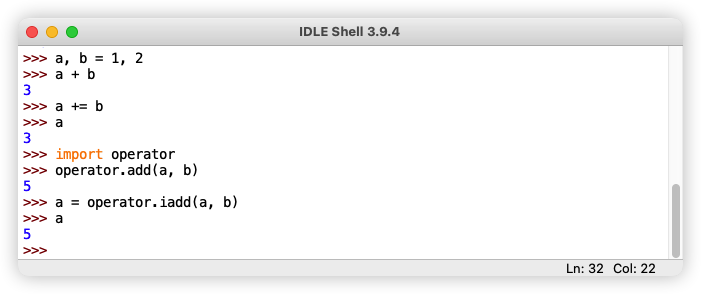
a, b = 1, 2

# Using the "+" operator:
a + b # = 3

# Using the "in-place" "+=" operator to add and assign:
a += b # a = 3 (equivalent to a = a + b)

import operator # contains 2 argument arithmetic functions for the examples

operator.add(a, b) # = 5 since a is set to 3 right before this line

# The "+=" operator is equivalent to:
a = operator.iadd(a, b) # a = 5 since a is set to 3 right before this line
可能的组合(内置类型):
int和int(得到一个int)int和float(得到一个float)int和complex(得到一个complex)float和float(得到一个float)float和complex(得到一个complex)complex和complex(得到一个complex)
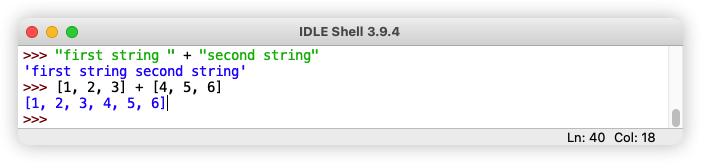
注意:“+”操作符也用于连接字符串、列表和元组:
"first string " + "second string" # = 'first string second string'
[1, 2, 3] + [4, 5, 6] # = [1, 2, 3, 4, 5, 6]
Section 9.3: 幂级数
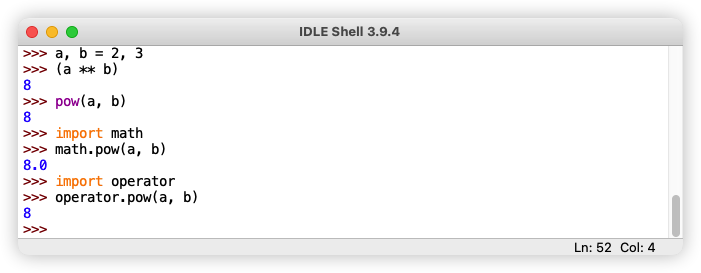
a, b = 2, 3
(a ** b) # = 8
pow(a, b) # = 8
import math
math.pow(a, b) # = 8.0 (始终为浮点数;不允许复数结果)
import operator
operator.pow(a, b) # = 8
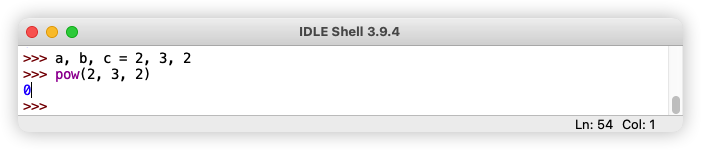
内置 pow 与 math.pow 的另一个区别是:内置 pow 可以接受三个参数。
a, b, c = 2, 3, 2
pow(2, 3, 2) # 0,计算 (2 ** 3) % 2,但根据 Python 文档,计算效率更高
特殊函数
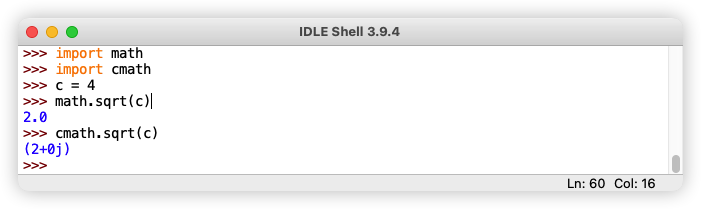
函数 math.sqrt(x) 计算 x 的平方根。
import math
import cmath
c = 4
math.sqrt(c) # = 2.0 (始终为浮点数;不允许复数结果)
cmath.sqrt(c) # = (2+0j) (始终为复数)
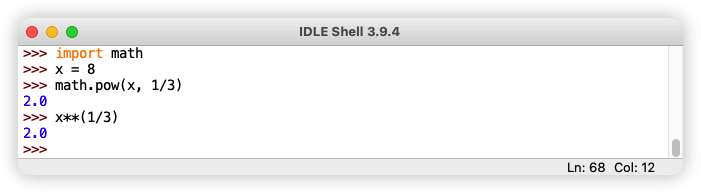
要计算其它的根运算,如立方根,可将数字提高到根的倒数。这可以用任何指数函数或运算符来完成。
import math
x = 8
math.pow(x, 1/3) # 计算结果为 2.0
x**(1/3) # 计算结果为 2.0
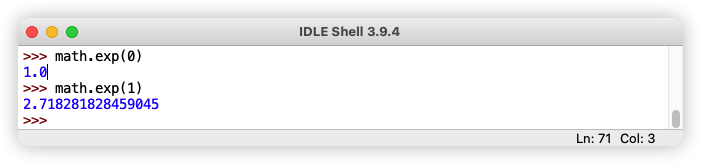
函数 math.exp(x) 计算 e ** x 。
math.exp(0) # 1.0
math.exp(1) # 2.718281828459045 (e)
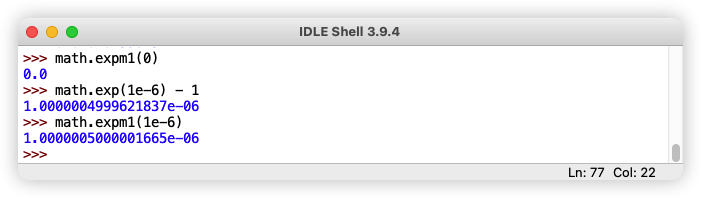
函数 math.expm1(x) 计算 e ** x - 1。当 x 较小的时候,它比 math.exp(x) - 1 的精度要高得多。
math.expm1(0) # 0.0

math.exp(1e-6) - 1 # 1.0000004999621837e-06
math.expm1(1e-6) # 1.0000005000001665e-06
# exact result # 1.000000500000166666708333341666...
Section 9.4: 三角函数
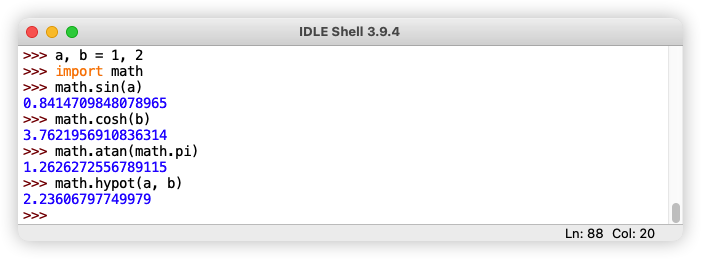
a, b = 1, 2

import math

math.sin(a) # 以弧度为单位返回 “a ”的正弦值
# Out: 0.8414709848078965

math.cosh(b) # 返回以弧度为单位的'b'的反双曲余弦值
# Out: 3.7621956910836314

math.atan(math.pi) # 以弧度为单位返回 “pi ”的弧切值
# Out: 1.2626272556789115

math.hypot(a, b) # 返回欧几里得常态,与 math.sqrt(a*a + b*b) 相同
# Out: 2.23606797749979
请注意,
math.hypot(x, y)也是从原点 (0, 0) 到点 (x, y) 的向量长度(或欧氏距离)。 要计算两点 (x1, y1) & (x2, y2) 之间的欧氏距离,可以使用math.hypot如下
python
math.hypot(x2-x1, y2-y1)
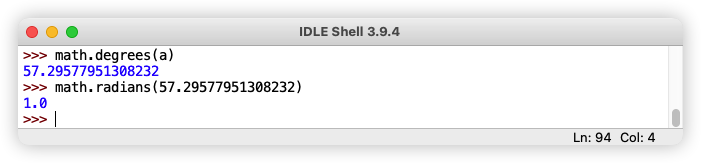
使用 math.degrees 和 math.radians 分别进行 弧度 -> 度 和 度数 -> 弧度 的转换。
math.degrees(a)
# Out: 57.29577951308232

math.radians(57.29577951308232)
# Out: 1.0
Section 9.5: 原地操作
在应用程序中,经常需要这样的代码:
a = a + 1
或者
a = a * 2
对于这些原地操作,有一个有效的捷径:
a += 1
# and
a *= 2
在 = 字符前可以使用任何数学运算符进行就地运算:
-
-=使变量就地递减 -
+=使原位变量递增 -
*=乘原位变量 -
/=除以原位变量 -
//=原位变量的floor除法 # Python 3 -
%=返回原处变量的模数 -
**=在原处将变量的值提升到幂级数
位运算符 (^, | 等) 还有其他就地运算符
Section 9.6: 减法
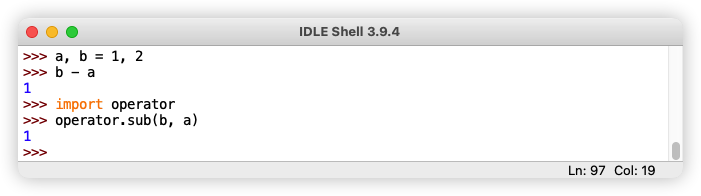
a, b = 1, 2

# 使用 "-" 操作符:
b - a # = 1

import operator # 包含 2 个参数的算术函数
operator.sub(b, a) # = 1
可能的组合(内置类型):
int和int(得到一个int)int和float(得到一个float)int和complex(得到一个complex)float和float(得到一个float)float和complex(得到一个complex)complex和complex(得到一个complex)
Section 9.7: 乘法
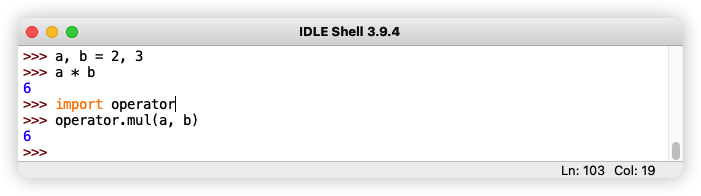
a, b = 2, 3
a * b # = 6
import operator
operator.mul(a, b) # = 6
可能的组合(内置类型):
-
int和int(得到一个int) -
int和float(得到一个float) -
int和complex(得到一个complex) -
float和float(得到一个float) -
float和complex(得到一个complex) -
complex和complex(得到一个complex)
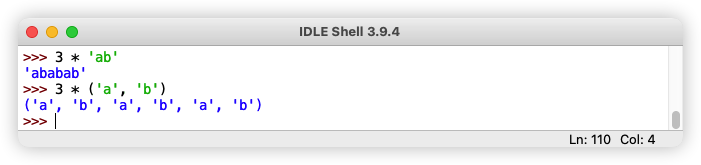
注意:* 操作符也可用于字符串、列表和元组的重复连接:
3 * 'ab' # = 'ababab'
3 * ('a', 'b') # = ('a', 'b', 'a', 'b', 'a', 'b')
Section 9.8: 对数
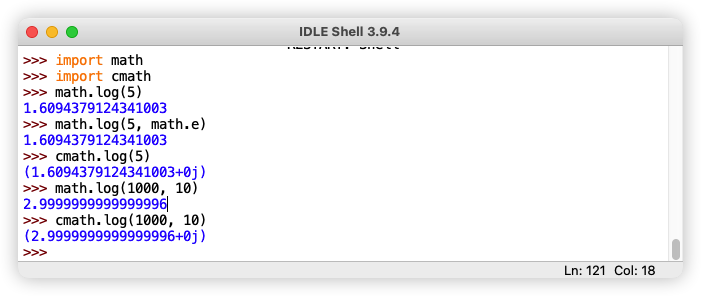
默认情况下,math.log 函数以 e 为底数计算一个数字的对数。
import math
import cmath

math.log(5) # = 1.6094379124341003
# 可选基本参数。默认为 math.e
math.log(5, math.e) # = 1.6094379124341003
cmath.log(5) # = (1.6094379124341003+0j)
math.log(1000, 10) # 3.0 (始终返回浮点数)
cmath.log(1000, 10) # (3+0j)
针对不同的基数,math.log 函数也有一些特殊的变化。
# 对数基数 e - 1(数值低时精度更高)
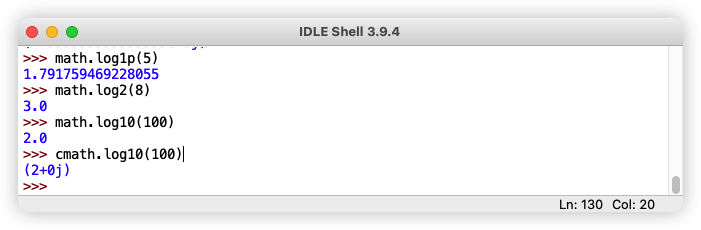
math.log1p(5) # = 1.791759469228055

# 对数基数 2
math.log2(8) # = 3.0

# 对数基数 10
math.log10(100) # = 2.0
cmath.log10(100) # = (2+0j)
Section 9.9: 模数
与许多其他语言一样,Python 使用 % 操作符来计算模数。
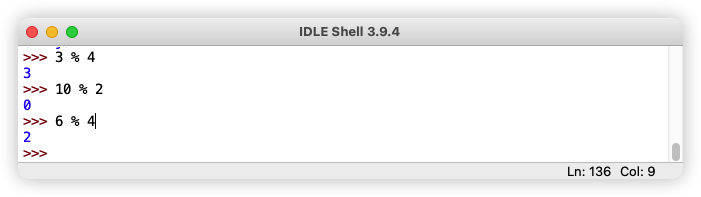
3 % 4 # 3
10 % 2 # 0
6 % 4 # 2
或使用 operator 模块:
import operator
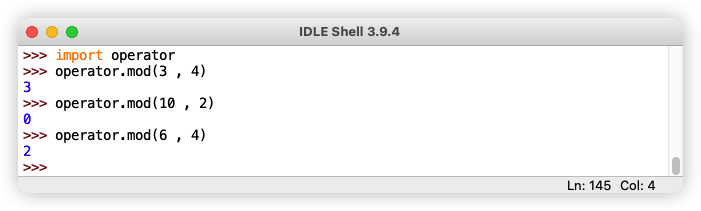
operator.mod(3 , 4) # 3
operator.mod(10 , 2) # 0
operator.mod(6 , 4) # 2
也可以使用负数。
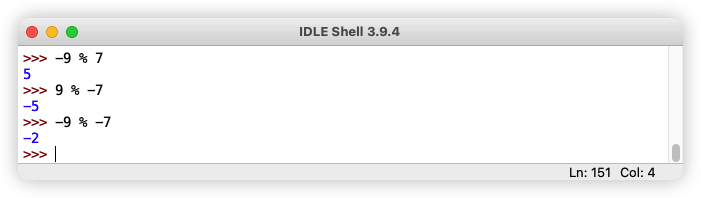
-9 % 7 # 5
9 % -7 # -5
-9 % -7 # -2
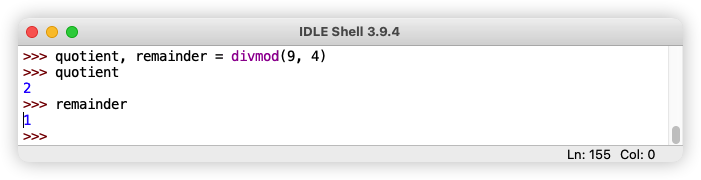
如果需要查找整数除法和模数的结果,可以使用 divmod 函数作为快捷方式:
quotient, remainder = divmod(9, 4)
# quotient = 2, remainder = 1 等价于 4 * 2 + 1 == 9