元组是一个不可变的值列表。元组是 Python 最简单、最常见的集合类型之一,可以使用逗号操作符(value = 1、2、3)创建。
Section 28.1: 元组
从语法上讲,元组是以逗号分隔的值列表:
t = 'a', 'b', 'c', 'd', 'e'
虽然没有必要,但用括号括起元组也很常见(推荐这么用):
t = ('a', 'b', 'c', 'd', 'e')
创建一个带括号的空元组:
t0 = ()
type(t0) # <type 'tuple'>
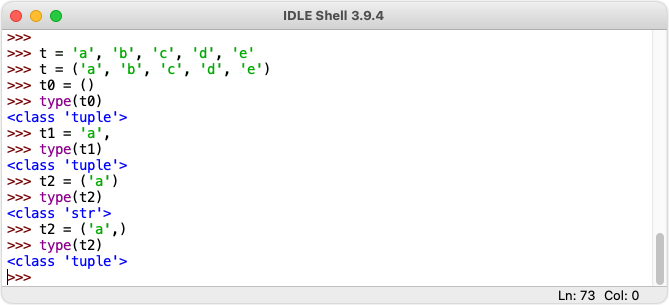
要创建包含单个元素的元组,必须在最后加上逗号:
t1 = 'a',
type(t1) # <type 'tuple'>
请注意,括号中的单个值不是元组:
t2 = ('a')
type(t2) # <type 'str'>
要创建一个单元组,必须有一个逗号。
t2 = ('a',)
type(t2) # <type 'tuple'>
请注意,对于单例元组,建议使用括号(参见 PEP8 关于尾部逗号的内容)。此外,逗号后不能有空白(参见关于空白的 PEP8)。
t2 = ('a',) # 符合 PEP8 标准
t2 = 'a', # PEP8 不建议使用这种符号
t2 = ('a', ) # PEP8 不建议使用这种符号
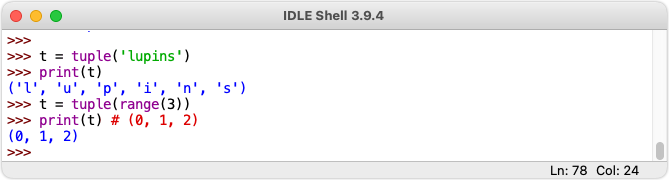
另一种创建元组的方法是使用内置函数 tuple。
t = tuple('lupins')
print(t) # ('l', 'u', 'p', 'i', 'n', 's')
t = tuple(range(3))
print(t) # (0, 1, 2)
这些示例基于 Allen B. Downey 所著《Think Python》一书中的材料。
Section 28.2: 元组不可变
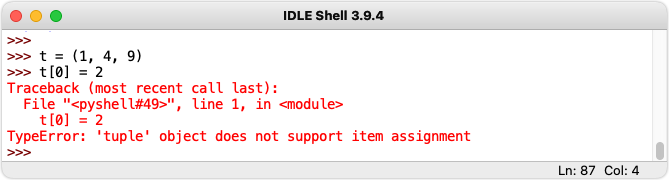
在 Python 中,列表和元组的主要区别之一是元组是不可变的,也就是说,一旦元组被初始化,就不能添加或修改项。例如
>>> t = (1, 4, 9)
>>> t[0] = 2
Traceback (most recent call last):
    File "<stdin>", line 1, in <module>
TypeError: 'tuple' object does not support item assignment
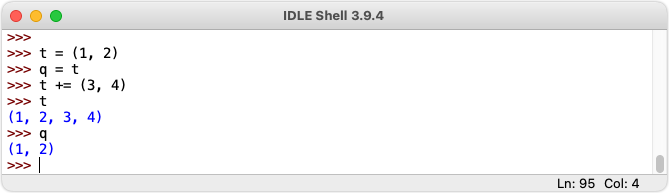
同样,元组也不像 list 那样有 .append 和 .extend 方法。可以尝试使用 += ,但它改变的是变量的绑定,而不是元组本身:
>>> t = (1, 2)
>>> q = t
>>> t += (3, 4)
>>> t
(1, 2, 3, 4)
>>> q
(1, 2)
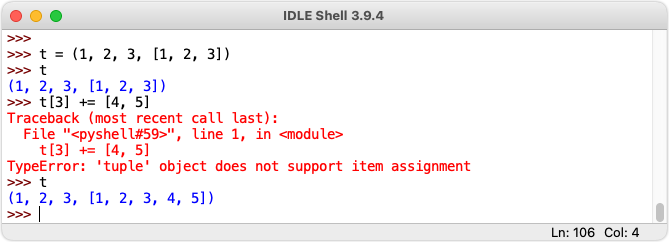
将可变对象(如列表)放在元组内时要小心。这可能会在更改它们时导致非常混乱的结果。例如
>>> t = (1, 2, 3, [1, 2, 3])
(1, 2, 3, [1, 2, 3])
>>> t[3] += [4, 5]
既会引发错误,又会更改元组中的列表内容:
TypeError: 'tuple' object does not support item assignment
>>> t
(1, 2, 3, [1, 2, 3, 4, 5])
您可以使用 += 操作符来 "追加" 一个元组:具体做法是用您 "追加" 的新元素创建一个新的元组,并将其赋值给当前变量;旧的元组不会改变,但会被替换!
这样做可以避免转换成列表或从列表转换成列表,但这样做很慢,而且是一种不好的做法,尤其是当你要追加多次时。
Section 28.3: 打包和解包元组
Python 中的元组是用逗号分隔的值。输入元组时的括号是可选的,因此两个赋值
a = 1, 2, 3 # a is the tuple (1, 2, 3)
and
a = (1, 2, 3) # a is the tuple (1, 2, 3)
是等价的。赋值 a = 1, 2, 3 也称为打包,因为它将值打包成一个元组。
请注意,单值元组也是一个元组。要告诉 Python 某个变量是一个元组而不是一个单一的值,可以使用逗号来表示
a = 1 # a is the value 1
a = 1, # a is the tuple (1,)
如果使用括号,也需要逗号
a = (1,) # a is the tuple (1,)
a = (1) # a is the value 1 and not a tuple
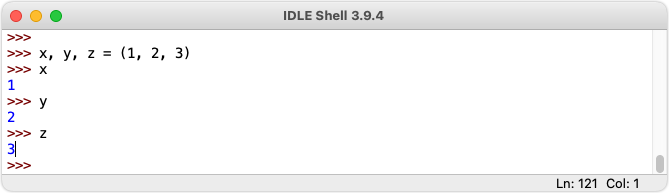
要从元组中解包值并进行多次赋值,使用
# unpacking AKA multiple assignment
x, y, z = (1, 2, 3)
# x == 1
# y == 2
# z == 3
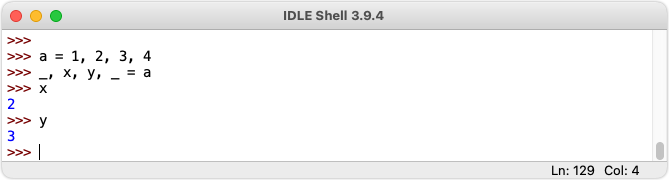
如果只需要元组中的某些元素,符号 _ 可以用作一次性变量名,起到占位符的作用:
a = 1, 2, 3, 4
_, x, y, _ = a
# x == 2
# y == 3
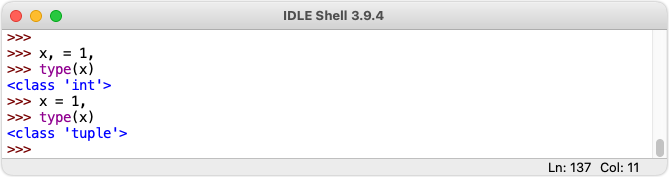
单元素元组:
x, = 1, # x is the value 1
x = 1, # x is the tuple (1,)
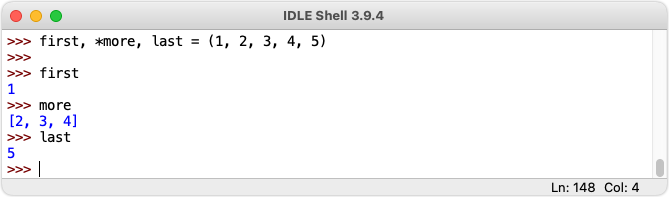
在 Python 3 中,带有 * 前缀的目标变量可以用作全局变量 (参见 解压缩迭代变量 ):
first, *more, last = (1, 2, 3, 4, 5)
# first == 1
# more == [2, 3, 4]
# last == 5
Section 28.4: 内置元组函数
元组支持以下内置函数
比较
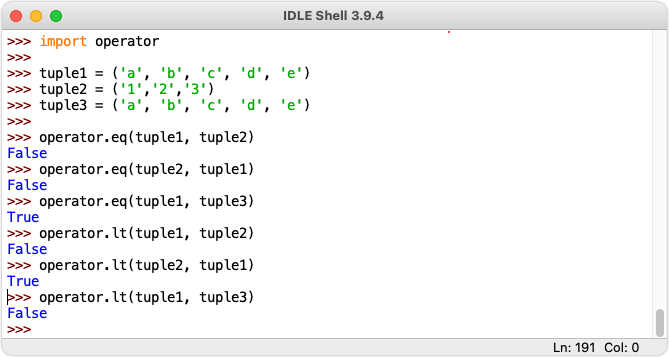
python3中,已经取消了python2的 cmp() 函数,改为使用 operator 模块对元组等集合进行比较。
import operator

tuple1 = ('a', 'b', 'c', 'd', 'e')
tuple2 = ('1','2','3')
tuple3 = ('a', 'b', 'c', 'd', 'e')

operator.eq(tuple1, tuple2)
# Out: False

operator.eq(tuple2, tuple1)
# Out: False

operator.eq(tuple1, tuple3)
# Out: True

operator.lt(tuple1, tuple2)
# Out: False
operator.lt(tuple2, tuple1)
# Out: True
operator.lt(tuple1, tuple3)
# Out: False
operator模块的功能如下:
| 函数 | 含义 |
|---|---|
operator.lt(a, b) |
a < b |
operator.le(a, b) |
a <= b |
operator.eq(a, b) |
a == b |
operator.ne(a, b) |
a != b |
operator.gt(a, b) |
a > b |
operator.ge(a, b) |
a >= b |
比较大小的规则是以 ASCII 码表为基准, 从两个列表中的第一个字符开始进行比较, 返回值为布尔类型.
元组长度
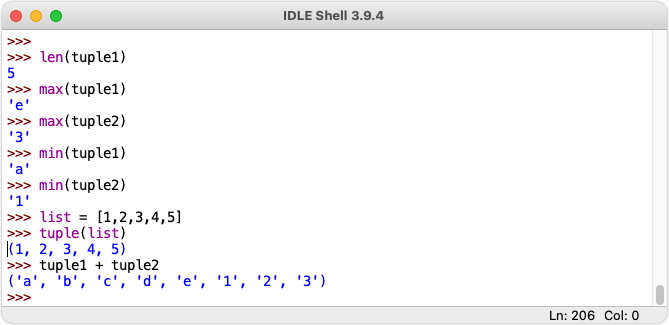
函数 len 返回元组的总长度
len(tuple1)
Out: 5
元组的最大值
函数 max 返回元组中最大值的项
max(tuple1)
Out: 'e'
max(tuple2)
Out: '3'
元组的最小值
函数 min 返回元组中最小值的项目
min(tuple1)
Out: 'a'
min(tuple2)
Out: '1'
将列表转换成元组
内置函数 tuple 将 list 转换为 tuple。
list = [1,2,3,4,5]
tuple(list)
Out: (1, 2, 3, 4, 5)
元组连接
使用 + 连接两个元组
tuple1 + tuple2
Out: ('a', 'b', 'c', 'd', 'e', '1', '2', '3')
Section 28.5: 元组是可元素散列和等价的
hash( (1, 2) ) # ok
hash( ([], {"hello"}) ) # not ok, 因为列表和集合不能散列化
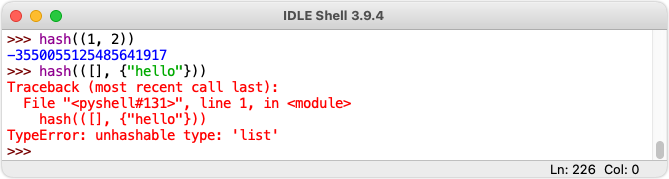
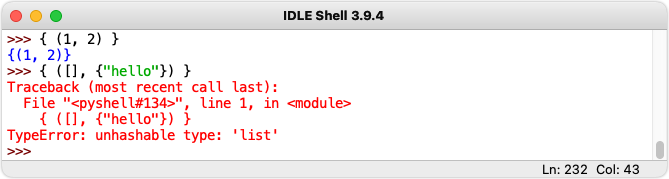
因此,只有当一个元组的每个元素都可以被放在集合中或作为 key 放在 dict 中时,该元组才能被放在集合中或作为 key 放在 dict 中。
{ (1, 2) } # ok
{ ([], {"hello"}) } # not ok
Section 28.6: 元组的索引
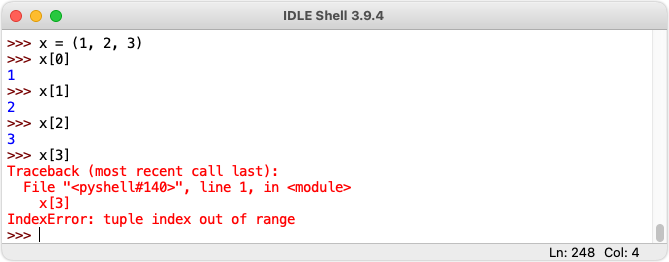
x = (1, 2, 3)
x[0] # 1
x[1] # 2
x[2] # 3
x[3] # IndexError: tuple index out of range
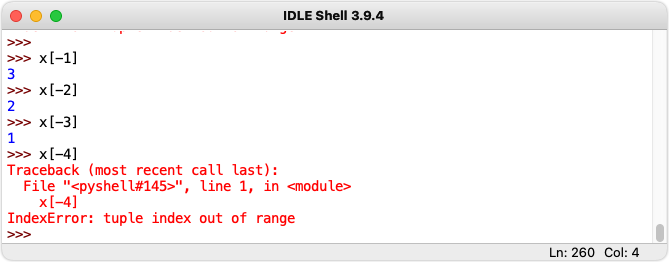
负数索引将从最后一个元素-1 开始:
x[-1] # 3
x[-2] # 2
x[-3] # 1
x[-4] # IndexError: tuple index out of range
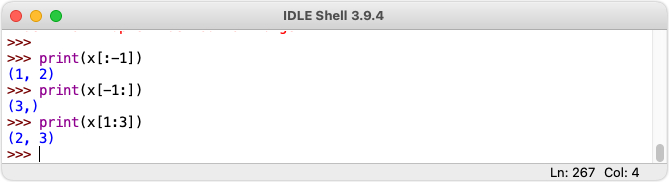
为一系列元素建立索引
print(x[:-1]) # (1, 2)
print(x[-1:]) # (3,)
print(x[1:3]) # (2, 3)
Section 28.7: 逆转元素
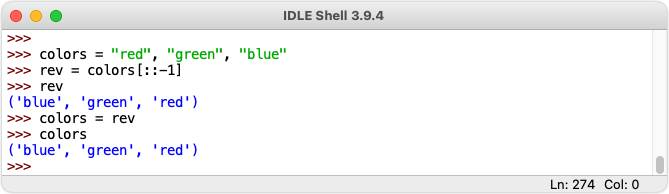
反转元组中的元素
colors = "red", "green", "blue"
rev = colors[::-1]
# rev: ("blue", "green", "red")
colors = rev
# colors: ("blue", "green", "red")
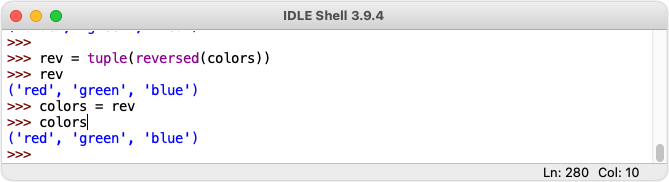
或者使用 reversed(reversed 会生成一个可迭代数,并转换为元组):
rev = tuple(reversed(colors))
# rev: ("blue", "green", "red")
colors = rev
# colors: ("blue", "green", "red")