Section 33.10: 嵌套函数
python 中的函数是一级对象。它们可以在任何作用域中定义
def fibonacci(n):
  def step(a,b):
    return b, a+b
  a, b = 0, 1
  for i in range(n):
    a, b = step(a, b)
  return a
函数捕获其外层作用域,可以像任何其他类型的对象一样进行传递
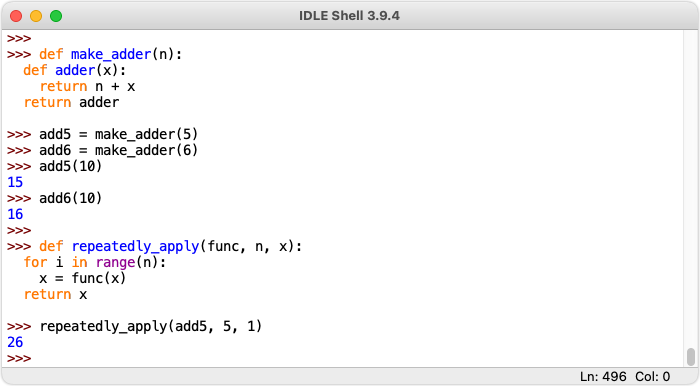
def make_adder(n):
  def adder(x):
    return n + x
  return adder
add5 = make_adder(5)
add6 = make_adder(6)
add5(10)
#Out: 15
add6(10)
#Out: 16

def repeatedly_apply(func, n, x):
  for i in range(n):
    x = func(x)
  return x

repeatedly_apply(add5, 5, 1)
#Out: 26
Section 33.11: 递归限制
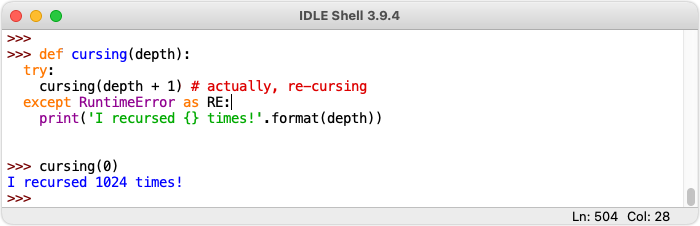
递归的深度是有限制的,这取决于 Python 的实现。当达到限制时,将引发 RuntimeError 异常:
def cursing(depth):
  try:
    cursing(depth + 1) # actually, re-cursing
  except RuntimeError as RE:
    print('I recursed {} times!'.format(depth))

cursing(0)
# Out: I recursed 1083 times!
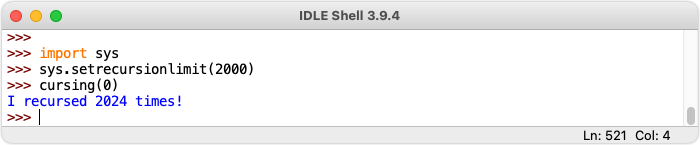
可以使用 sys.setrecursionlimit(limit) 更改递归深度限制,并通过 sys.getrecursionlimit() 检查该限制。
import sys
sys.setrecursionlimit(2000)
cursing(0)
# Out: I recursed 1997 times!
从 Python 3.5 开始,异常是一个从 RuntimeError 派生的 RecursionError。
Section 33.12: 使用分配变量的递归 Lambda
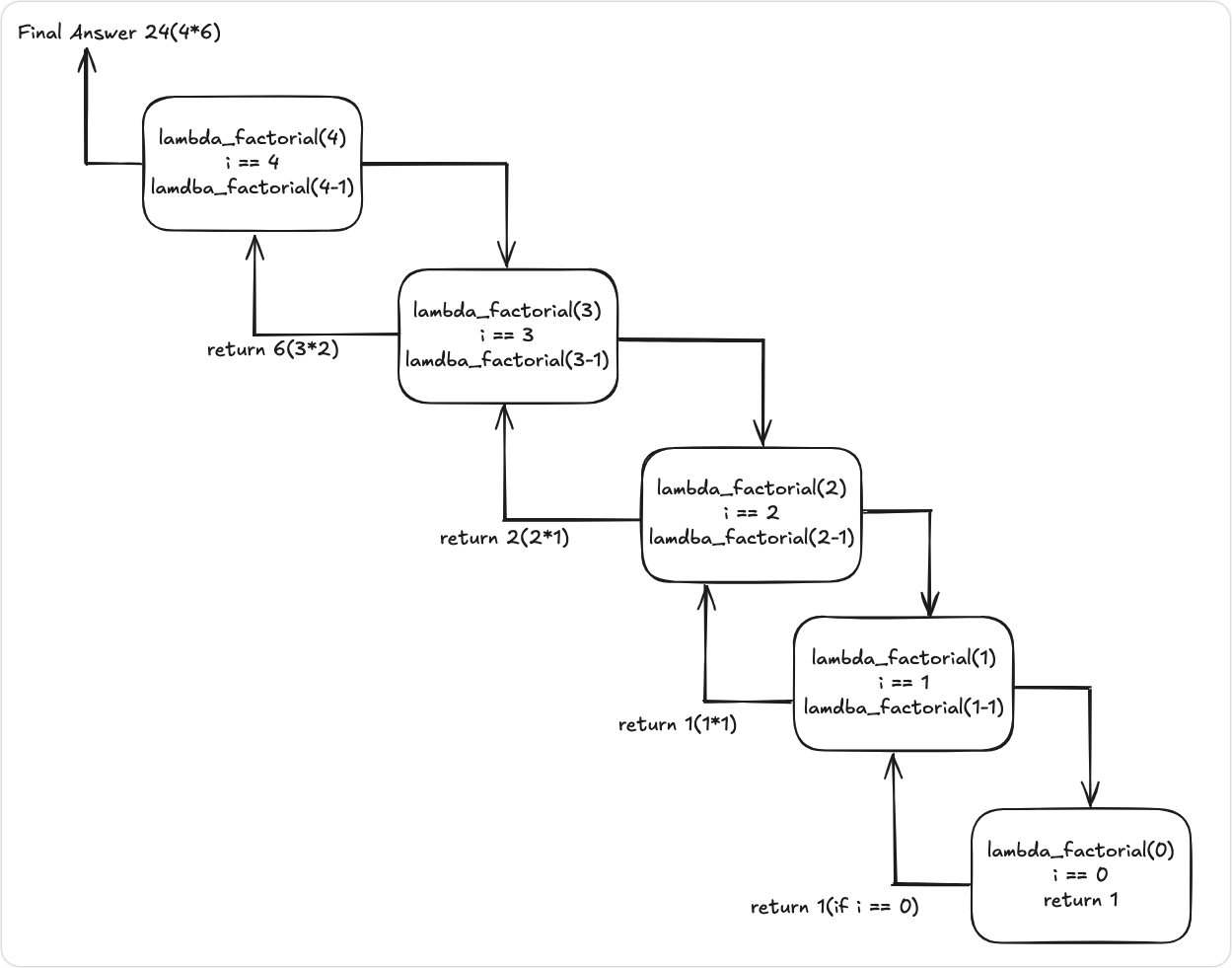
创建递归 lambda 函数的一种方法是将函数赋值给一个变量,然后在函数本身中引用该变量。一个常见的例子是递归计算一个数字的阶乘,如以下代码所示:
lambda_factorial = lambda i:1 if i==0 else i*lambda_factorial(i-1)
print(lambda_factorial(4)) # 4 * 3 * 2 * 1 = 12 * 2 = 24

代码说明
lambda 函数通过变量赋值传递一个值 (4),并对其进行求值,如果值为 0 则返回 1,否则返回当前值 (i) * lambda 函数对值 - 1 (i-1)的另一次计算。这个过程一直持续到传递的值减为 0(return 1)为止。这个过程可以形象地描述为
Section 33.13: 递归函数
递归函数是一种在定义中调用自身的函数。例如,数学函数阶乘的定义为 factorial(n) = n*(n-1)*(n-2)*...*3*2*1 。
def factorial(n):
  #n here should be an integer
  if n == 0:
    return 1
  else:
    return n*factorial(n-1)
这里的输出是
factorial(0)
#out 1
factorial(1)
#out 1
factorial(2)
#out 2
factorial(3)
#out 6
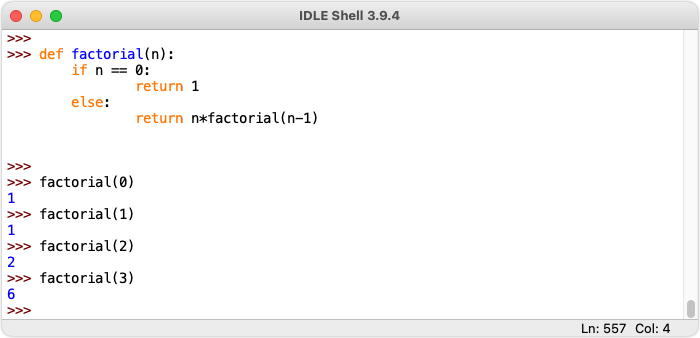
正如所料。请注意,这个函数是递归的,因为第二个返回值是 factorial(n-1),函数在定义中调用了自己。
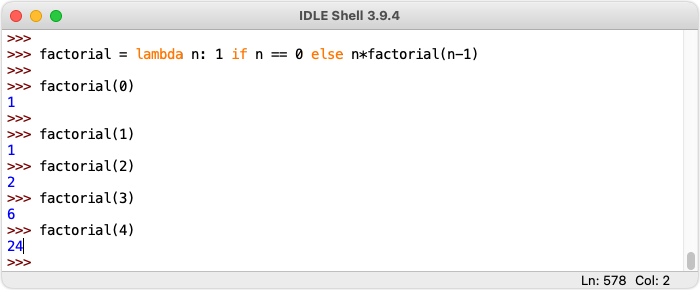
有些递归函数可以使用 lambda 实现,使用 lambda 的阶乘函数会是这样的:
factorial = lambda n: 1 if n == 0 else n*factorial(n-1)
函数输出与上述相同。
Section 33.14: 定义带参数的函数
参数定义在函数名称后的括号内:
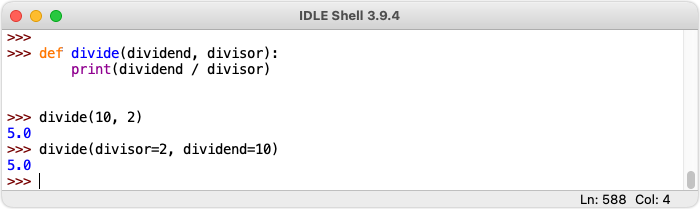
def divide(dividend, divisor): # The names of the function and its arguments
  # The arguments are available by name in the body of the function
  print(dividend / divisor)
函数名及其参数列表称为函数的签名。每个已命名的参数实际上都是函数的一个局部变量。
调用函数时,按以下顺序列出参数值
divide(10, 2)
# output: 5
或使用函数定义中的名称以任意顺序指定它们:
divide(divisor=2, dividend=10)
# output: 5
Section 33.15: 可迭代和字典解包
函数允许指定以下类型的参数:位置参数、命名参数、变量位置参数、关键字参数(kwargs)。下面是每种类型的简明用法。
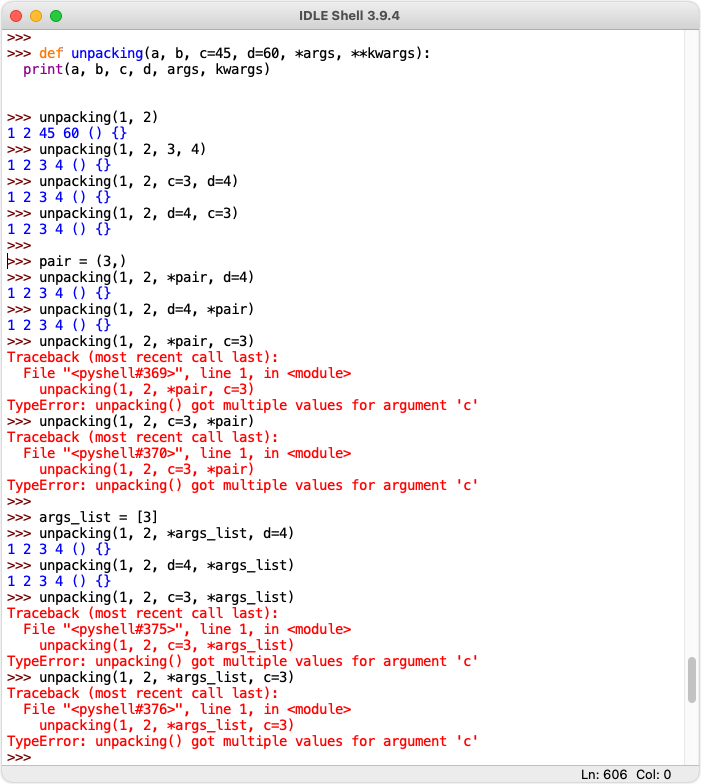
def unpacking(a, b, c=45, d=60, *args, **kwargs):
  print(a, b, c, d, args, kwargs)

>>> unpacking(1, 2)
1 2 45 60 () {}
>>> unpacking(1, 2, 3, 4)
1 2 3 4 () {}
>>> unpacking(1, 2, c=3, d=4)
1 2 3 4 () {}
>>> unpacking(1, 2, d=4, c=3)
1 2 3 4 () {}

>>> pair = (3,)
>>> unpacking(1, 2, *pair, d=4)
1 2 3 4 () {}
>>> unpacking(1, 2, d=4, *pair)
1 2 3 4 () {}
>>> unpacking(1, 2, *pair, c=3)
Traceback (most recent call last):
    File "<stdin>", line 1, in <module>
TypeError: unpacking() got multiple values for argument 'c'
>>> unpacking(1, 2, c=3, *pair)
Traceback (most recent call last):
    File "<stdin>", line 1, in <module>
TypeError: unpacking() got multiple values for argument 'c'

>>> args_list = [3]
>>> unpacking(1, 2, *args_list, d=4)
1 2 3 4 () {}
>>> unpacking(1, 2, d=4, *args_list)
1 2 3 4 () {}
>>> unpacking(1, 2, c=3, *args_list)
Traceback (most recent call last):
    File "<stdin>", line 1, in <module>
TypeError: unpacking() got multiple values for argument 'c'
>>> unpacking(1, 2, *args_list, c=3)
Traceback (most recent call last):
    File "<stdin>", line 1, in <module>
TypeError: unpacking() got multiple values for argument 'c'

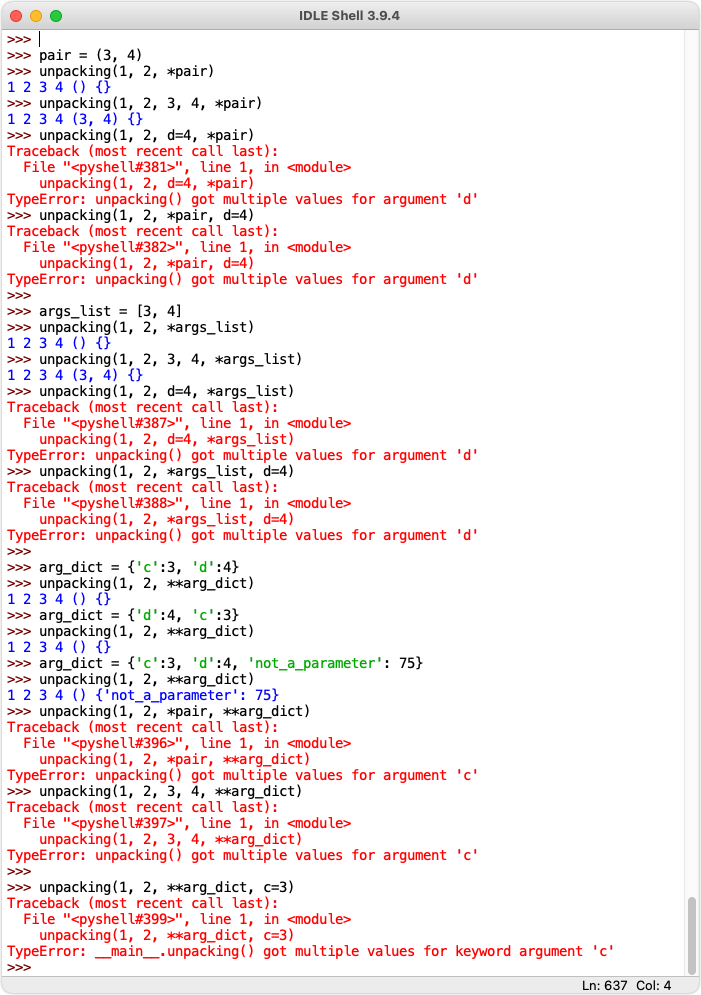
>>> pair = (3, 4)
>>> unpacking(1, 2, *pair)
1 2 3 4 () {}
>>> unpacking(1, 2, 3, 4, *pair)
1 2 3 4 (3, 4) {}
>>> unpacking(1, 2, d=4, *pair)
Traceback (most recent call last):
    File "<stdin>", line 1, in <module>
TypeError: unpacking() got multiple values for argument 'd'
>>> unpacking(1, 2, *pair, d=4)
Traceback (most recent call last):
    File "<stdin>", line 1, in <module>
TypeError: unpacking() got multiple values for argument 'd'

>>> args_list = [3, 4]
>>> unpacking(1, 2, *args_list)
1 2 3 4 () {}
>>> unpacking(1, 2, 3, 4, *args_list)
1 2 3 4 (3, 4) {}
>>> unpacking(1, 2, d=4, *args_list)
Traceback (most recent call last):
    File "<stdin>", line 1, in <module>
TypeError: unpacking() got multiple values for argument 'd'
>>> unpacking(1, 2, *args_list, d=4)
Traceback (most recent call last):
    File "<stdin>", line 1, in <module>
TypeError: unpacking() got multiple values for argument 'd'

>>> arg_dict = {'c':3, 'd':4}
>>> unpacking(1, 2, **arg_dict)
1 2 3 4 () {}
>>> arg_dict = {'d':4, 'c':3}
>>> unpacking(1, 2, **arg_dict)
1 2 3 4 () {}
>>> arg_dict = {'c':3, 'd':4, 'not_a_parameter': 75}
>>> unpacking(1, 2, **arg_dict)
1 2 3 4 () {'not_a_parameter': 75}
>>> unpacking(1, 2, *pair, **arg_dict)
Traceback (most recent call last):
    File "<stdin>", line 1, in <module>
TypeError: unpacking() got multiple values for argument 'd'
>>> unpacking(1, 2, 3, 4, **arg_dict)
Traceback (most recent call last):
    File "<stdin>", line 1, in <module>
TypeError: unpacking() got multiple values for argument 'd'

# Positional arguments take priority over any other form of argument passing
>>> unpacking(1, 2, **arg_dict, c=3)
Traceback (most recent call last):
    File "<stdin>", line 1, in <module>
TypeError: unpacking() got multiple values for argument 'c'
Section 33.16: 定义包含多个参数的函数
一个函数可以有任意多的参数,唯一的固定规则是每个参数的名称必须是唯一的,可选参数必须在非可选参数之后:
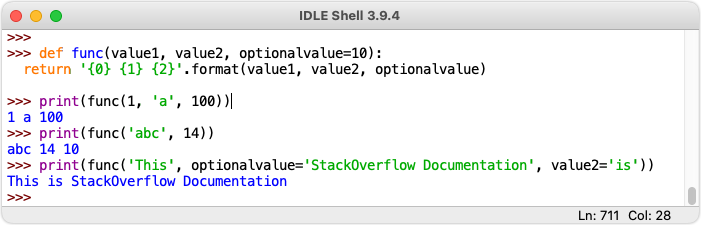
def func(value1, value2, optionalvalue=10):
  return '{0} {1} {2}'.format(value1, value2, optionalvalue)
在调用函数时,您可以给出每个关键字,而不给出名称,但顺序很重要:
print(func(1, 'a', 100))
# Out: 1 a 100

print(func('abc', 14))
# abc 14 10
或者把有名称的参数和无名称的参数结合起来。那么有名称的参数必须紧跟无名称的参数,但有名称参数的顺序并不重要:
print(func('This', optionalvalue='StackOverflow Documentation', value2='is'))
# Out: This is StackOverflow Documentation