Section 41.5: 删除字符串中不需要的前导字符/尾随字符
本程序提供了三种方法,用于从字符串中去除前导字符和尾部字符: str.strip、str.rstrip 和 str.lstrip。这三个方法具有相同的签名,都会返回一个已删除多余字符的新字符串对象。
str.strip([chars])
str.strip 作用于给定的字符串,并删除(strips)参数 chars 中包含的任何前导字符或尾部字符;如果未提供 chars 或 chars 为 None,则默认删除所有空白字符。例如
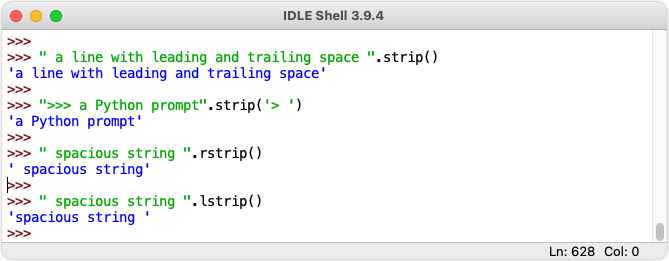
>>> " a line with leading and trailing space ".strip()
'a line with leading and trailing space'
如果提供 chars,则会从返回的字符串中删除其中包含的所有字符。例如
>>> ">>> a Python prompt".strip('> ') # strips '>' character and space character
'a Python prompt'
str.rstrip([chars]) 和 str.lstrip([chars])
这些方法的语义和参数与 str.strip() 类似,区别在于它们的起始方向。str.rstrip() 从字符串的末尾开始,而 str.lstrip() 则从字符串的开始分割。
例如,使用 str.rstrip:
>>> " spacious string ".rstrip()
' spacious string'
而使用 str.lstrip:
>>> " spacious string ".lstrip()
'spacious string '
Section 41.6: 逆转字符串
使用内置的 reversed() 函数可以反转字符串,该函数接收一个字符串,并以相反的顺序返回一个迭代器。
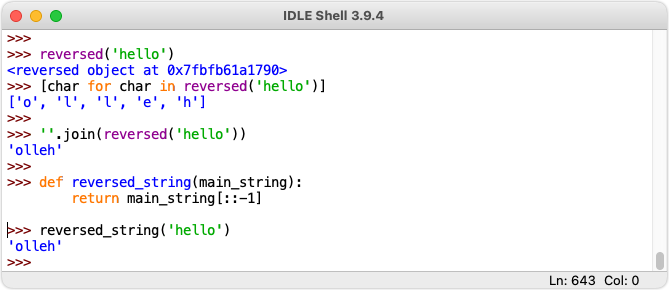
>>> reversed('hello')
<reversed object at 0x0000000000000000>
>>> [char for char in reversed('hello')]
['o', 'l', 'l', 'e', 'h']
reversed() 可以封装在对 ''.join()的调用中,以便从迭代器生成一个字符串。
>>> ''.join(reversed('hello'))
'olleh'
对于不熟悉 Python 的用户来说,使用 reversed() 可能更易读,而使用步长为 -1 的扩展切片则更快更简洁。在此,尝试用函数来实现它:
>>> def reversed_string(main_string):
...     return main_string[::-1]
...
>>> reversed_string('hello')
'olleh'
Section 41.7: 根据分隔符将字符串拆分为字符串列表
str.split(sep=None, maxsplit=-1)
str.split 接收一个字符串,并返回原始字符串的子串列表。不同的行为取决于是否提供或省略 sep 参数。
如果没有提供 sep,或者 sep 为 None,那么只要有空白,就会进行拆分。但是,前导和尾部空白将被忽略,多个连续的空白字符将被视为单个空白字符:
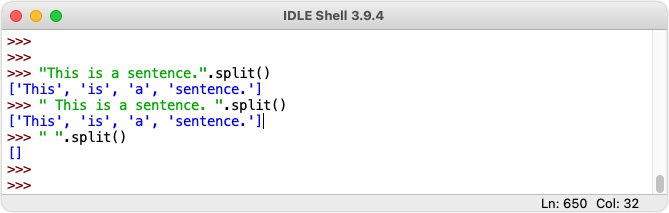
>>> "This is a sentence.".split()
['This', 'is', 'a', 'sentence.']
>>> " This is a sentence. ".split()
['This', 'is', 'a', 'sentence.']
>>> " ".split()
[]
参数 sep 可用来定义分隔符字符串。原始字符串会在出现分隔符字符串的地方被分割,而分隔符本身则会被丢弃。多个连续的定界符与单个出现的定界符处理方式不同,而是创建空字符串。
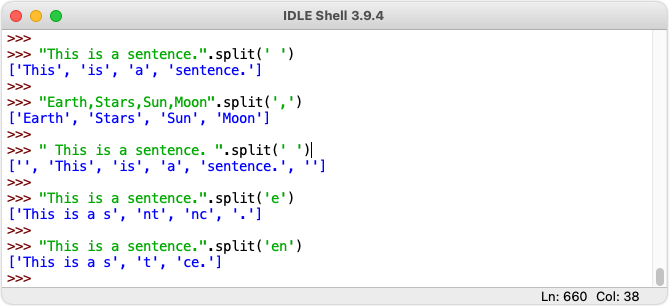
>>> "This is a sentence.".split(' ')
['This', 'is', 'a', 'sentence.']

>>> "Earth,Stars,Sun,Moon".split(',')
['Earth', 'Stars', 'Sun', 'Moon']

>>> " This is a sentence. ".split(' ')
['', 'This', 'is', '', '', '', 'a', 'sentence.', '', '']

>>> "This is a sentence.".split('e')
['This is a s', 'nt', 'nc', '.']

>>> "This is a sentence.".split('en')
['This is a s', 't', 'ce.']
!
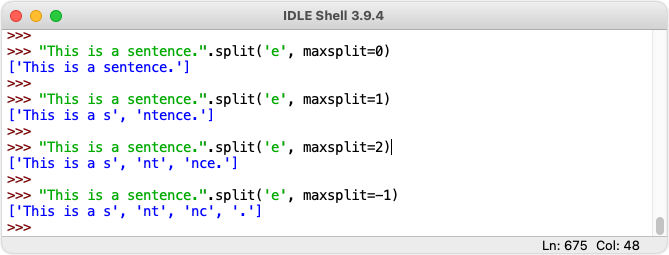
默认情况下,分隔符每次出现时都会进行分隔,但 maxsplit 参数会限制分隔的次数。默认值 -1 表示没有限制:
>>> "This is a sentence.".split('e', maxsplit=0)
['This is a sentence.']

>>> "This is a sentence.".split('e', maxsplit=1)
['This is a s', 'ntence.']

>>> "This is a sentence.".split('e', maxsplit=2)
['This is a s', 'nt', 'nce.']

>>> "This is a sentence.".split('e', maxsplit=-1)
['This is a s', 'nt', 'nc', '.']
str.rsplit(sep=None, maxsplit=-1)
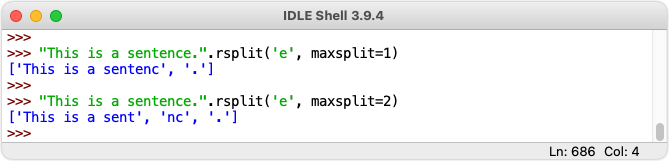
当指定了 maxsplit 时,str.rsplit(“右拆分”)与 str.lsplit(“左拆分”)不同。分割从字符串的末尾而不是开头开始:
>>> "This is a sentence.".rsplit('e', maxsplit=1)
['This is a sentenc', '.']
>>> "This is a sentence.".rsplit('e', maxsplit=2)
['This is a sent', 'nc', '.']
注意:Python 规定了执行拆分的最大次数,而大多数其他编程语言则规定了创建子串的最大次数。这可能会在移植或比较代码时造成混淆。
Section 41.8: 用另一个子串替换一个子串的所有出现次数
Python 的 str 类型也有一个在给定字符串中用另一个子字符串替换一个子字符串的方法。对于要求更高的情况,可以使用 re.sub。
str.replace(old, new[, count]):
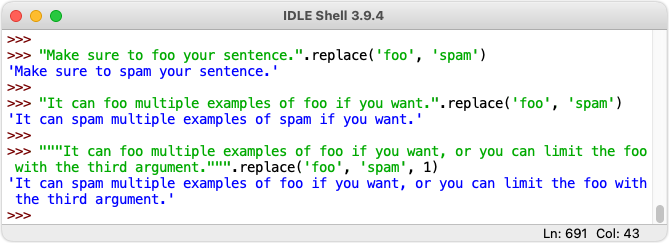
str.replace接收两个参数 old 和 new,其中 old 包含要被 new sub-string替换的old sub-string。可选参数 count 指定要替换的次数:
例如,为了用'spam'替换下面字符串中的'foo',我们可以调用old = 'foo' 和new = 'spam'的str.replace:
>>> "Make sure to foo your sentence.".replace('foo', 'spam')
"Make sure to spam your sentence."
如果给定字符串中包含多个与旧参数匹配的示例,则所有出现的示例都会被新参数中提供的值替换:
>>> "It can foo multiple examples of foo if you want.".replace('foo', 'spam')
"It can spam multiple examples of spam if you want."
当然,除非我们为 count 提供一个值。在这种情况下,出现的计数将被替换:
>>> """It can foo multiple examples of foo if you want, or you can limit the foo with the third argument.""".replace('foo', 'spam', 1)
'It can spam multiple examples of foo if you want, or you can limit the foo with the third
argument.'
Section 41.9: 测试字符串的组成
Python 的 str 类型也有许多方法可以用来评估字符串的内容。这些方法是 str.isalpha、str.isdigit、str.isalnum 和 str.isspace。还可以使用 str.isupper、str.islower 和 str.istitle测试大小写。
str.isalpha
例如,str.isalpha 不需要参数,如果给定字符串中的所有字符都是字母,则返回 True:
>>> "Hello World".isalpha() # 包含空格
False
>>> "Hello2World".isalpha() # 包含一个数字
False
>>> "HelloWorld!".isalpha() # 包含标点符号
False
>>> "HelloWorld".isalpha()
True
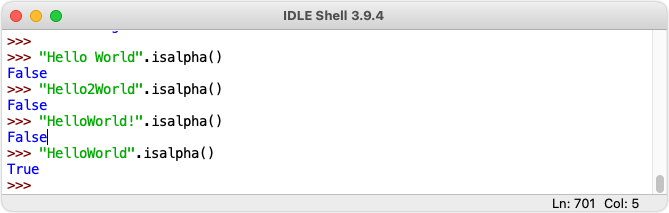
作为一种边缘情况,空字符串在与 "".isalpha() 一起使用时会求值为 False。
str.isupper, str.islower, str.istitle
这些方法测试给定字符串中的大写程度。
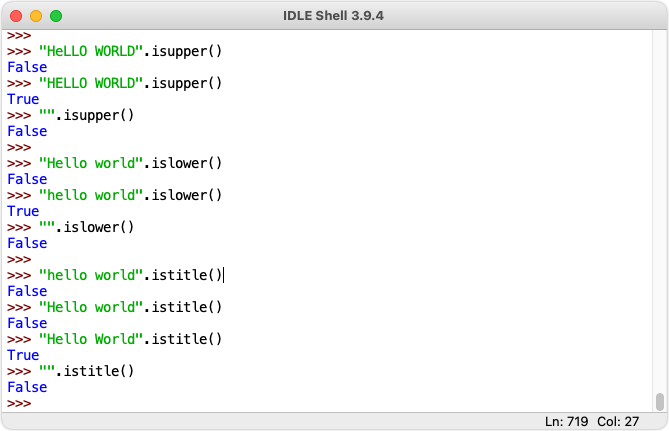
str.isupper 是一个方法,如果给定字符串中的所有字符都是大写字母,则返回 True,否则返回 False。
"HeLLO WORLD".isupper()
False
"HELLO WORLD".isupper()
True
"".isupper()
False
相反,str.islower 是一种方法,如果给定字符串中的所有字符都是小写,则返回 true,否则返回 false。
"Hello world".islower()
False
"hello world".islower()
True
"".islower()
False
如果给定字符串是标题式的,即每个单词都以大写字母开头,然后是小写字母,则 str.istitle 返回 True。
>>> "hello world".istitle()
False
>>> "Hello world".istitle()
False
>>> "Hello World".istitle()
True
>>> "".istitle()
False
str.isdecimal, str.isdigit, str.isnumeric
str.isdecimal 返回字符串是否为适合表示十进制数的十进制数序列。
str.isdigit 包括不适合表示十进制数的数字,例如上标数字。
str.isnumeric 包括任何数字值,即使不是数字,例如 0-9 范围以外的值。
| isdecimal | isdigit | isnumeric | |
|---|---|---|---|
| 12345 | True | True | True |
| ?2??5 | True | True | True |
| ?²³????? | False | True | True |
| ?? | False | False | True |
| Five | False | False | False |
字节字符串(Python 3 中为 bytes,Python 2 中为 str)只支持 isdigit,它只检查基本的 ASCII 数字。与 str.isalpha 一样,空字符串的值为 False。
str.isalnum
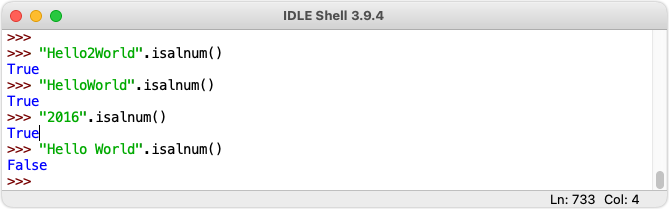
这是str.isalpha和str.isnumeric的组合,具体地说,如果给定字符串中的所有字符都是alphanumeric,即由字母或数字字符组成,则其值为true:
>>> "Hello2World".isalnum()
True
>>> "HelloWorld".isalnum()
True
>>> "2016".isalnum()
True
>>> "Hello World".isalnum() # contains whitespace
False
str.isspace
如果字符串只包含空格字符,其值为 True。
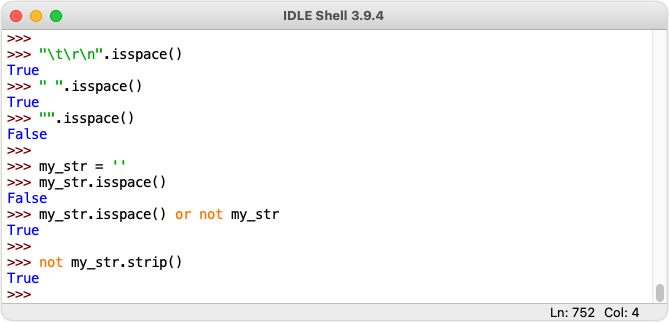
>>> "\t\r\n".isspace()
True
>>> " ".isspace()
True
有时,一个字符串看起来是 "empty" 的,但我们不知道这是因为它只包含空白还是根本不包含任何字符
>>> "".isspace()
False
为了应对这种情况,我们需要额外的测试
>>> my_str = ''
>>> my_str.isspace()
False
>>> my_str.isspace() or not my_str
True
但测试字符串是否为空或是否只包含空白字符的最简便方法是使用 strip(不带参数,它会删除所有前导和尾部空白字符)。
>>> not my_str.strip()
True