尽管 Python 的上下文管理器被广泛使用,但很少有人了解其使用背后的目的。这些语句通常用于读写文件,可以帮助应用程序节省系统内存,并通过确保特定资源只用于特定进程来改善资源管理。本主题将解释并演示 Python 上下文管理器的使用。
Section 77.1: 背景管理器和附带声明简介
上下文管理器是一个在上下文(代码块)开始和结束时接收通知的对象。通常与 with 语句一起使用。它负责通知。
例如,文件对象就是上下文管理器。当上下文结束时,文件对象会自动关闭:
open_file = open(filename)
with open_file:
  file_contents = open_file.read()
# the open_file object has automatically been closed.
使用 as 关键字通常可以简化上述示例:
with open(filename) as open_file:
  file_contents = open_file.read()
# the open_file object has automatically been closed.
任何结束程序块执行的行为都会导致上下文管理器的退出方法被调用。这包括异常情况,当错误导致你过早退出一个打开的文件或连接时,它就会派上用场。在没有正确关闭文件/连接的情况下退出脚本是个坏主意,可能会导致数据丢失或其他问题。通过使用上下文管理器,您可以确保始终采取预防措施,防止以这种方式造成损坏或丢失。Python 2.5 中添加了此功能。
Section 77.2: 编写自己的上下文管理器
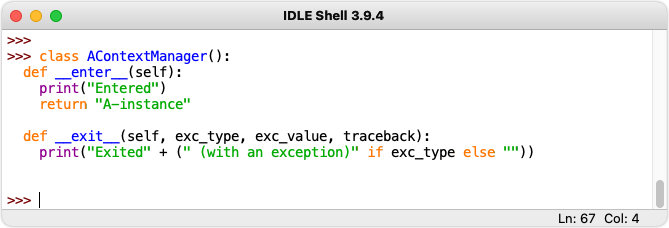
上下文管理器是实现两个神奇方法 __enter__() 和 __exit__()的任何对象(当然也可以实现其他方法):
class AContextManager():
  def __enter__(self):
    print("Entered")
    # optionally return an object
    return "A-instance"

  def __exit__(self, exc_type, exc_value, traceback):
    print("Exited" + (" (with an exception)" if exc_type else ""))
    # return True if you want to suppress the exception
如果上下文在退出时出现异常,有关该异常的信息将以 exc_type, exc_value, traceback(这些变量与 sys.exc_info()函数返回的变量相同)的三重形式传递。如果上下文正常退出,这三个参数都将是 None。
如果发生异常并传递给 __exit__ 方法,该方法可以返回 True 以抑制异常,或者在 __exit__ 函数结束时重新引发异常。
with AContextManager() as a:
  print("a is %r" % a)
# Entered
# a is 'A-instance'
# Exited

with AContextManager() as a:
  print("a is %d" % a)
# Entered
# Exited (with an exception)
# Traceback (most recent call last):
#   File "<stdin>", line 2, in <module>
# TypeError: %d format: a number is required, not str
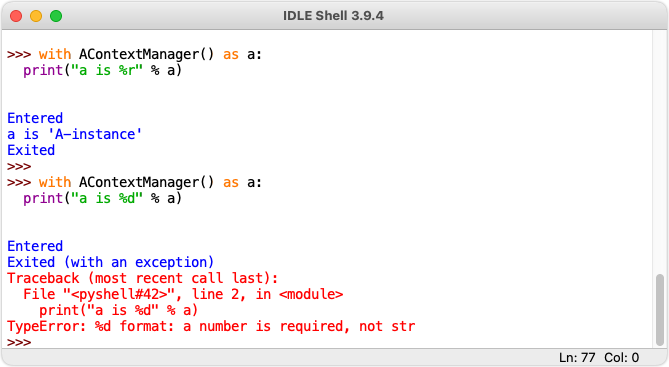
请注意,在第二个示例中,即使异常发生在 with-state 语句的正文中间,__exit__ 处理程序仍会在异常传播到外层作用域之前被执行。
如果只需要一个 __exit__ 方法,可以返回上下文管理器的实例:
class MyContextManager:
  def __enter__(self):
    return self

  def __exit__(self):
    print('something')
Section 77.3: 使用生成器语法编写自己的上下文管理器
借助 contextlib.contextmanager 装饰器,还可以使用生成器语法编写上下文管理器:
import contextlib

@contextlib.contextmanager
def context_manager(num):
  print('Enter')
  yield num + 1
  print('Exit')

with context_manager(2) as cm:
  # the following instructions are run when the 'yield' point of the context
  # manager is reached.
  # 'cm' will have the value that was yielded
  print('Right in the middle with cm = {}'.format(cm))
这将产生以下结果:
Enter
Right in the middle with cm = 3
Exit
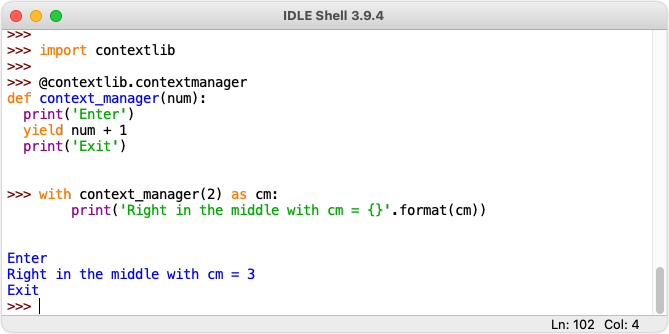
装饰器通过将生成器转换为上下文管理器,简化了编写上下文管理器的任务。yield 表达式之前的所有内容都变成了 __enter__ 方法,被 yield 的值变成了生成器返回的值(可以绑定到 with 语句中的变量),而 yield 表达式之后的所有内容都变成了 __exit__ 方法。
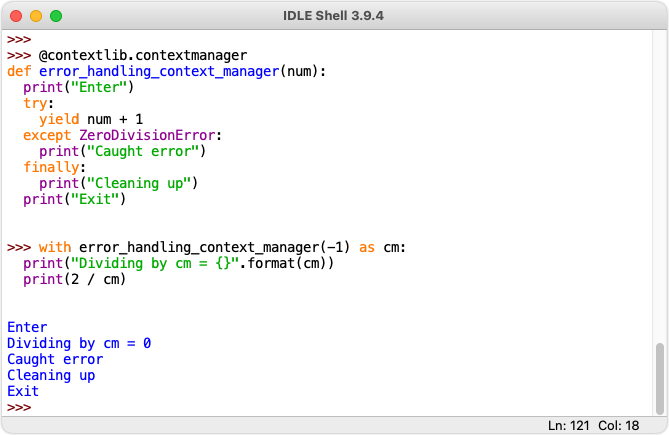
如果上下文管理器需要处理异常,可以在生成器中编写一个 try..except..finally 块,在 with 块中出现的任何异常都将由该异常块处理。
@contextlib.contextmanager
def error_handling_context_manager(num):
  print("Enter")
  try:
    yield num + 1
  except ZeroDivisionError:
    print("Caught error")
  finally:
    print("Cleaning up")
  print("Exit")

with error_handling_context_manager(-1) as cm:
  print("Dividing by cm = {}".format(cm))
  print(2 / cm)
这将产生以下结果:
Enter
Dividing by cm = 0
Caught error
Cleaning up
Exit
Section 77.4: 多个上下文管理器
您可以同时打开多个内容管理器:
with open(input_path) as input_file, open(output_path, 'w') as output_file:
  # do something with both files.
  # e.g. copy the contents of input_file into output_file
  for line in input_file:
    output_file.write(line + '\n')
其效果与嵌套上下文管理器相同:
with open(input_path) as input_file:
  with open(output_path, 'w') as output_file:
    for line in input_file:
      output_file.write(line + '\n')
Section 77.5: 分配给一个目标
许多上下文管理器会在输入时返回一个对象。您可以在 with 语句中为该对象指定一个新名称。
例如,在 with 语句中使用数据库连接可以得到一个游标对象:
with database_connection as cursor:
  cursor.execute(sql_query)
文件对象会返回自身,这使得在一个表达式中既能打开文件对象,又能将其用作上下文管理器成为可能:
with open(filename) as open_file:
  file_contents = open_file.read()
Section 77.6: 资源管理
class File():
  def __init__(self, filename, mode):
    self.filename = filename
    self.mode = mode

  def __enter__(self):
    self.open_file = open(self.filename, self.mode)
    return self.open_file

  def __exit__(self, *args):
    self.open_file.close()
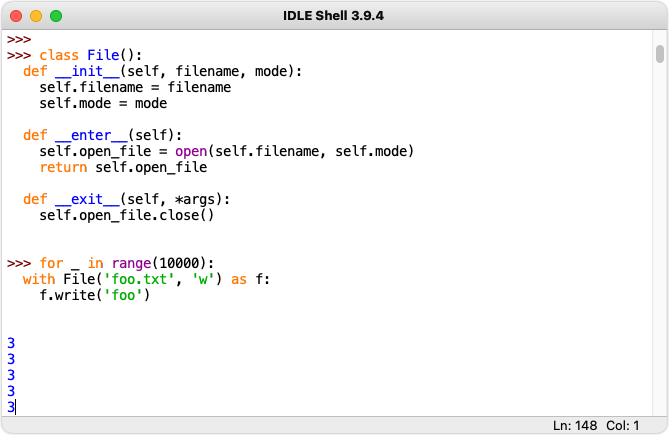
__init__() 方法设置了对象,在本例中设置了文件名和打开文件的模式。__enter__()打开并返回文件,而 __exit__()只是关闭文件。
使用这些魔术方法(__enter__, __exit__)可以实现一些对象,这些对象可以很容易地与 with 语句一起使用。
使用文件类:
for _ in range(10000):
  with File('foo.txt', 'w') as f:
    f.write('foo')