Section 93.1: 在 BeautifulSoup 中使用 CSS 选择器
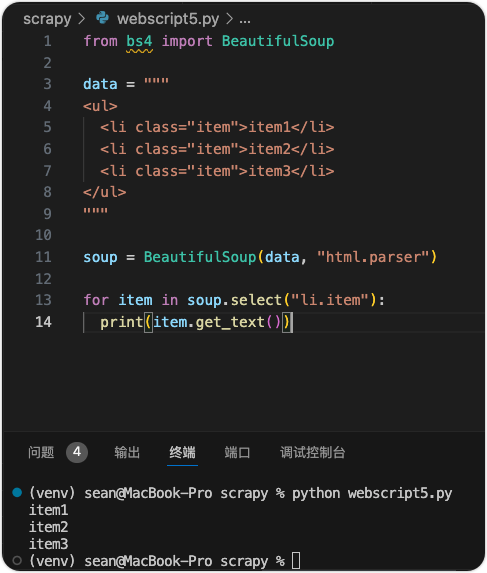
BeautifulSoup 对 CSS 选择器的支持有限,但涵盖了最常用的选择器。使用 SELECT() 方法查找多个元素,使用 select_one() 查找单个元素。
基本示例
from bs4 import BeautifulSoup

data = """
<ul>
  <li class="item">item1</li>
  <li class="item">item2</li>
  <li class="item">item3</li>
</ul>
"""

soup = BeautifulSoup(data, "html.parser")

for item in soup.select("li.item"):
  print(item.get_text())
打印结果:
item1
item2
item3
Section 93.2: PyQuery
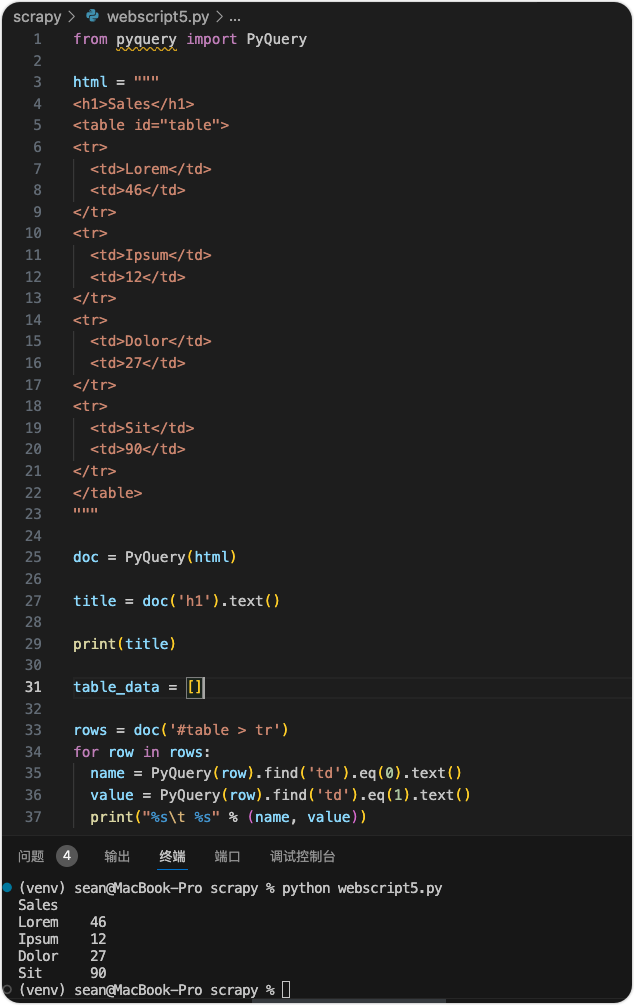
pyquery 是一个类似于 jquery 的 python 库。它非常支持 css 选择器。
from pyquery import PyQuery

html = """
<h1>Sales</h1>
<table id="table">
<tr>
  <td>Lorem</td>
  <td>46</td>
</tr>
<tr>
  <td>Ipsum</td>
  <td>12</td>
</tr>
<tr>
  <td>Dolor</td>
  <td>27</td>
</tr>
<tr>
  <td>Sit</td>
  <td>90</td>
</tr>
</table>
"""

doc = PyQuery(html)

title = doc('h1').text()

print title

table_data = []

rows = doc('#table > tr')
for row in rows:
  name = PyQuery(row).find('td').eq(0).text()
  value = PyQuery(row).find('td').eq(1).text()
  print("%s\t %s" % (name, value))
Section 93.3: Locate a text after an element in BeautifulSoup
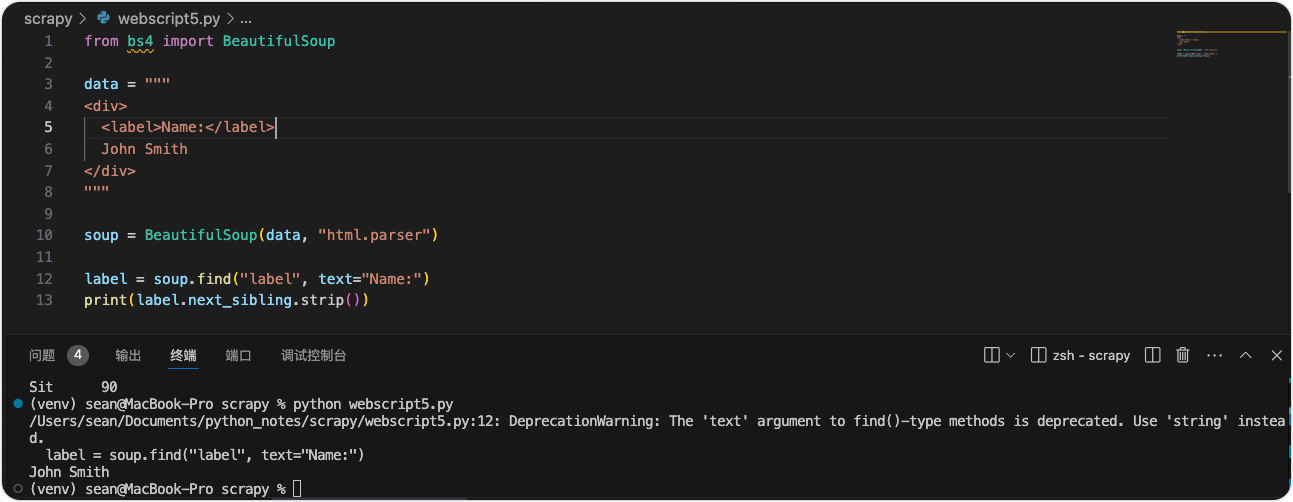
试想一下,您的 HTML 代码如下
<div>
  <label>Name:</label>
  John Smith
</div>
你需要在标签元素后找到文本 "John Smith"。
在这种情况下,可以通过文本定位标签元素,然后使用 .next_sibling 属性:
from bs4 import BeautifulSoup

data = """
<div>
  <label>Name:</label>
  John Smith
</div>
"""

soup = BeautifulSoup(data, "html.parser")

label = soup.find("label", text="Name:")
print(label.next_sibling.strip())
打印出 John Smith.