Section 1.6: IDLE - Python 集成的 GUI
IDLE 是 Python 的集成开发和学习环境,是命令行的替代工具。顾名思义,IDLE 对于开发新代码或学习 Python 非常有用。在 Windows 系统通过 exe 二进制包安装或者 Mac 系统中通过 pkg 二进制包安装的环境,它与 Python 解释器一起被默认安装到系统中,但在其他操作系统中,您可能需要通过软件包管理器安装它。
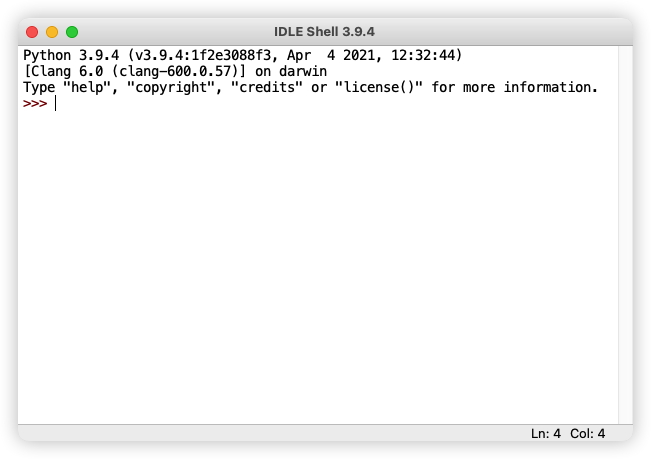
IDLE 的主要功能有
-
具有语法高亮、自动完成和智能缩进功能的多窗口文本编辑器
-
带有语法高亮的 Python shell
-
集成调试器,具有步进功能、持续断点和调用堆栈可见性
-
自动缩进(对于学习 Python 缩进的初学者非常有用)
-
将 Python 程序保存为 .py 文件,以后可以使用 IDLE 随时运行和编辑它们。
在 IDLE 中,点击 F5 或运行 Python Shell 来启动解释器。使用 IDLE 可以为新用户带来更好的学习体验,因为代码是在用户写入的过程中被解释的。
需要注意的是,还有很多替代方法,请参阅本讨论或本列表。
故障排除
- Windows
如果您使用的是 Windows 系统,默认命令是 python。如果出现“‘python’未被识别”的错误,最可能的原因是 Python 的位置不在系统的 PATH 环境变量中。可以右键单击 【我的电脑】并选择 【属性】,或通过 【控制面板】导航到【系统】来访问该变量。单击 【高级系统设置】,然后单击 【环境变量...】。编辑 PATH 变量,使其包括 Python 安装目录以及脚本文件夹(通常为 C:\Python27;C:\Python27\Scripts)。这需要管理员权限,可能需要重新启动。
在同一台机器上使用多个 Python 版本时,一个可行的解决方案是重命名其中一个 python.exe 文件。例如,将一个版本命名为 python39.exe 会使 python39 成为该版本的 Python 命令。
您还可以使用 Windows 的 Python 启动器,它可通过安装程序获得,并默认为自带。它允许您使用 py -[x.y] 而不是 python[x.y] 来选择要运行的 Python 版本。使用 py -3 运行脚本可以使用最新版本的 Python3。
- Debian/Ubuntu/MacOS
本节假定 python 可执行文件的位置已添加到 PATH 环境变量中。
如果您使用的是 Debian/Ubuntu/MacOS,打开终端,输入 python 表示 Python 2.x,输入 python3 表示 Python 3.x。
输入 which python,查看将使用哪个 Python 解释器。
- Arch Linux
Arch Linux(及其后续的发行版本)上的默认 Python 是 Python 3,因此使用 python 或 python3 表示 Python 3.x,使用 python2 表示 Python 2.x。
- 其他系统
Python 3 有时绑定为 python,而不是 python3。要在这些安装了 Python 2 的系统上使用 Python 2,可以使用 python2。
Section 1.7: 用户输入
交互式输入
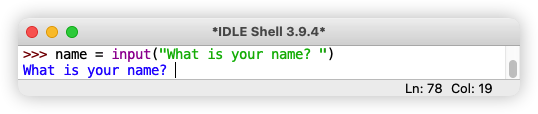
要从用户那里获取输入,请使用 input 函数(注意:在 Python 2.x 中,该函数被称为 raw_input ,尽管 Python 2.x 有自己版本的 input 完全不同):
name = input("What is your name? ")
# Out: What is your name? _
本示例的其余部分将使用 Python 3 语法。
函数接收一个字符串参数,将其显示为提示符并返回一个字符串。上面的代码提供了一个提示,等待用户输入。
name = input("What is your name? ")
# Out: What is your name?
如果用户键入 "Bob" 并点击回车键,变量名将被分配给字符串 "Bob":
name = input("What is your name? ")
# Out: What is your name? Bob
print(name)
# Out: Bob
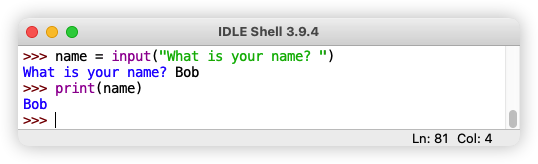
请注意,input 获取的用户输入数据始终是 str 类型,这一点很重要。如果要让用户输入数字,在使用之前您需要尝试将 str 转换为数字:
x = input("Write a number:")+
# Out: Write a number: 10
x / 2
# Out: TypeError: unsupported operand type(s) for /: 'str' and 'int'
float(x) / 2
# Out: 5.0
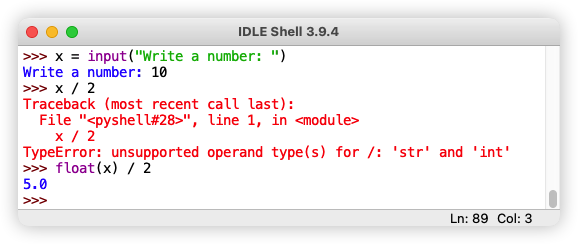
注意:在处理用户输入时,建议使用 try/except 块来捕获异常。例如,如果您的代码想将 input 的输入转换为 int,而用户写入的内容是不可转换的,就会引发 ValueError。
Section 1.8: 内置模块和功能
模块是一个包含 Python 定义和语句的文件。函数是一段执行某些逻辑的代码。
>>> pow(2,3) #8
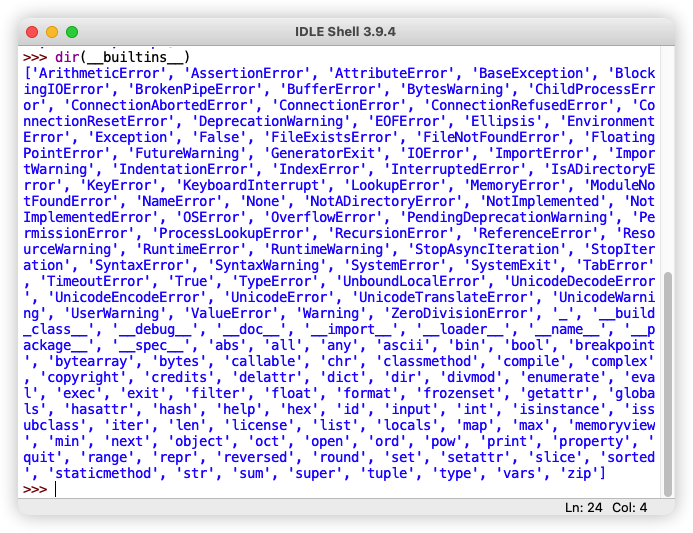
要查看 python 中有哪些内置函数,我们可以使用 dir()。如果调用时没有参数,则返回当前作用域中的名称。否则,将返回一个按字母顺序排列的名称列表,其中包括给定对象的(部分)属性以及可从该对象访问的属性。
>>> dir(__builtins__)
[
'ArithmeticError',
'AssertionError',
'AttributeError',
'BaseException',
'BufferError',
'BytesWarning',
'DeprecationWarning',
'EOFError',
'Ellipsis',
'EnvironmentError',
'Exception',
'False',

  ………… 略 …………

'sorted',
'staticmethod',
'str',
'sum',
'super',
'tuple',
'type',
'unichr',
'unicode',
'vars',
'xrange',
'zip'
]
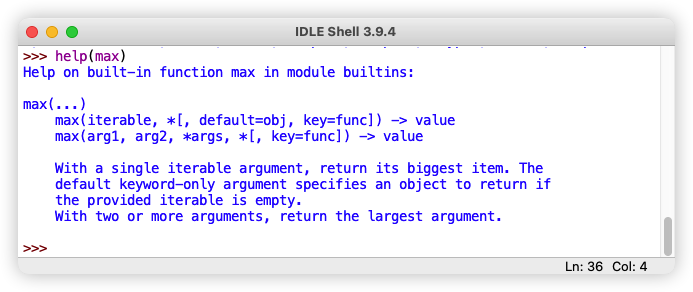
要了解任何函数的功能,我们可以使用内置函数 help 。
>>> help(max)
Help on built-in function max in module __builtin__:
max(...)
    max(iterable[, key=func]) -> value
    max(a, b, c, ...[, key=func]) -> value
    With a single iterable argument, return its largest item.
    With two or more arguments, return the largest argument.
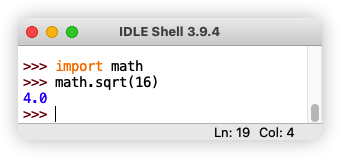
内置模块包含额外的功能。例如,要获取一个数字的平方根,我们需要包含 math 模块。
>>> import math
>>> math.sqrt(16) # 4.0
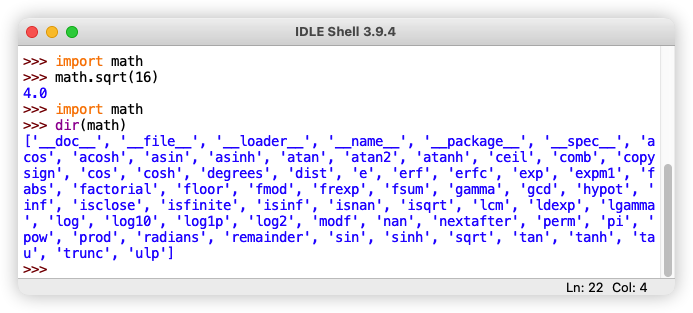
要了解模块中的所有函数,我们可以将函数列表赋值给一个变量,然后打印该变量。
>>> import math
>>> dir(math)

    ['__doc__', '__name__', '__package__', 'acos', 'acosh',
    'asin', 'asinh', 'atan', 'atan2', 'atanh', 'ceil', 'copysign',
    'cos', 'cosh', 'degrees', 'e', 'erf', 'erfc', 'exp', 'expm1',
    'fabs', 'factorial', 'floor', 'fmod', 'frexp', 'fsum', 'gamma',
    'hypot', 'isinf', 'isnan', 'ldexp', 'lgamma', 'log', 'log10',
    'log1p', 'modf', 'pi', 'pow', 'radians', 'sin', 'sinh', 'sqrt',
    'tan', 'tanh', 'trunc']
通常 __doc__ 提供该模块的说明文档
>>> math.__doc__
'This module is always available. It provides access to the\nmathematical
functions defined by the C standard.'
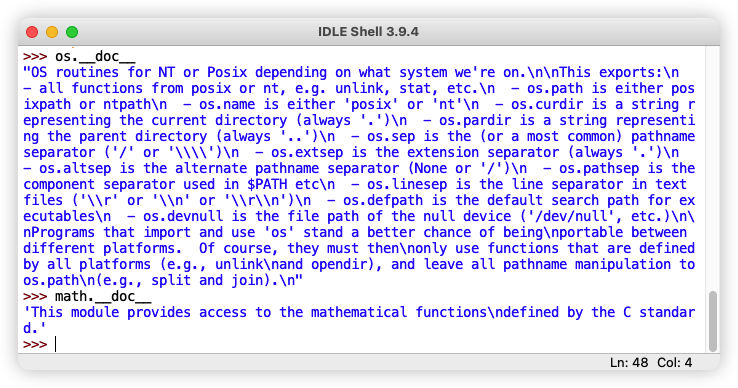
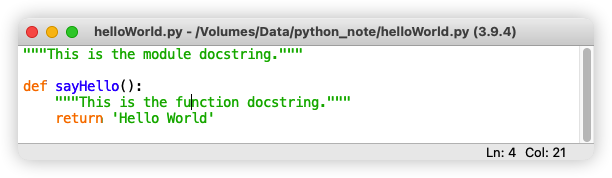
除了函数,文档也可以在模块中提供。因此,如果你有一个名为 helloWorld.py 的文件,就像这样:
"""This is the module docstring."""

def sayHello():
    """This is the function docstring."""
    return 'Hello World'
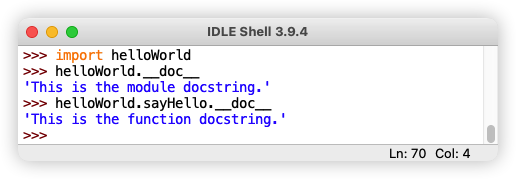
您可以像这样访问它的文档strings:
>>> import helloWorld
>>> helloWorld.__doc__
'This is the module docstring.'
>>> helloWorld.sayHello.__doc__
'This is the function docstring.'
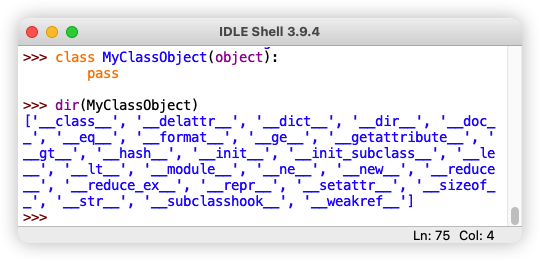
对于任何用户定义的类型,都可以使用 dir() 检索其属性、类的属性以及类基类的递归属性。
>>> class MyClassObject(object):
... pass
...
>>> dir(MyClassObject)
['__class__', '__delattr__', '__dict__', '__doc__', '__format__', '__getattribute__', '__hash__', '__init__', '__module__', '__new__', '__reduce__', '__reduce_ex__', '__repr__', '__setattr__', '__sizeof__', '__str__', '__subclasshook__', '__weakref__']
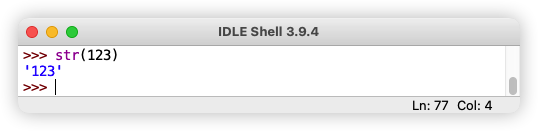
任何数据类型都可以使用名为 str 的内置函数简单地转换为字符串。默认情况下,数据类型转换后会调用 print 函数并将结果传递给它然后打印出来。
>>> str(123) # "123"
Section 1.9: 创建一个模块
模块是一个包含定义和语句的可导入文件。
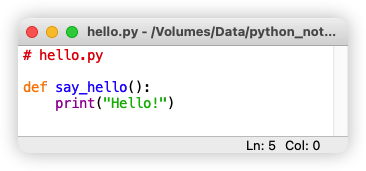
创建 .py 文件即可创建模块。
# hello.py
def say_hello():
    print("Hello!")
模块中的函数可以通过导入模块来使用。
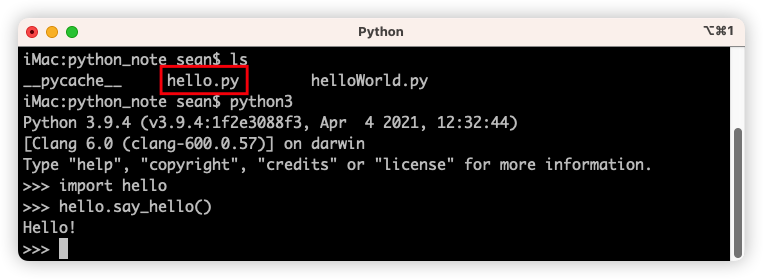
对于您自己制作的模块,它们需要与您要导入的文件放在同一目录下。(不过,您也可以将它们与预包含模块一起放在 Python 安装路径下的 lib 目录中,但应尽可能避免这样做)。
$ python
>>> import hello
>>> hello.say_hello()
=> "Hello!"
模块可被其他模块导入。
# greet.py
import hello
hello.say_hello()
可以导入模块的特定功能。
# greet.py
from hello import say_hello
say_hello()
模块可以别名。
# greet.py
import hello as ai
ai.say_hello()
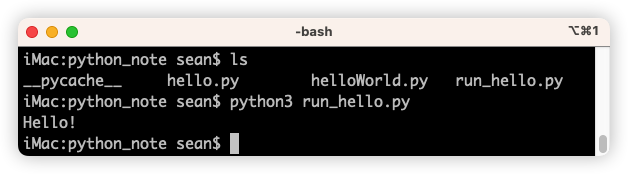
甚至模块可以是独立的可运行脚本。
# run_hello.py
if __name__ == '__main__':
    from hello import say_hello
    say_hello()
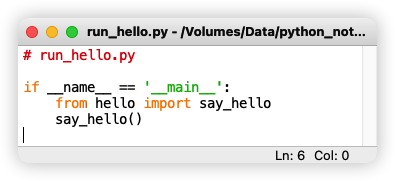
运行该文件
$ python run_hello.py
=> "Hello!"
如果模块位于一个目录中,并且需要被 python 检测到,该目录应包含一个名为 __init__.py 的文件。


