在为人类存储和转换数据时,字符串格式化变得非常重要。Python 提供了多种字符串格式化方法,本主题将对此进行概述。
Section 40.1: 字符串格式基础
foo = 1
bar = 'bar'
baz = 3.14
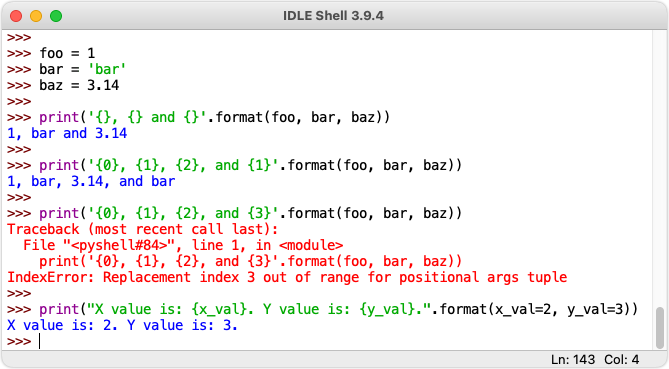
您可以使用 str.format 格式化输出。括号对会按照参数传递的顺序替换为参数:
print('{}, {} and {}'.format(foo, bar, baz))
# Out: "1, bar and 3.14"
索引也可以在括号内指定。这些数字与传递给 str.format 函数的参数的索引相对应(以 0 为基准)。
print('{0}, {1}, {2}, and {1}'.format(foo, bar, baz))
# Out: "1, bar, 3.14, and bar"
print('{0}, {1}, {2}, and {3}'.format(foo, bar, baz))
# Out: index out of range error
也可以使用命名参数:
print("X value is: {x_val}. Y value is: {y_val}.".format(x_val=2, y_val=3))
# Out: "X value is: 2. Y value is: 3."
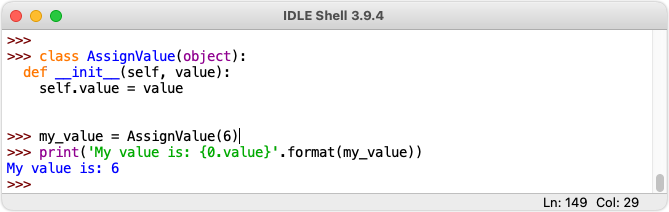
传入 str.format 时可引用对象属性:
class AssignValue(object):
  def __init__(self, value):
    self.value = value

my_value = AssignValue(6)
print('My value is: {0.value}'.format(my_value)) # "0" is optional
# Out: "My value is: 6"
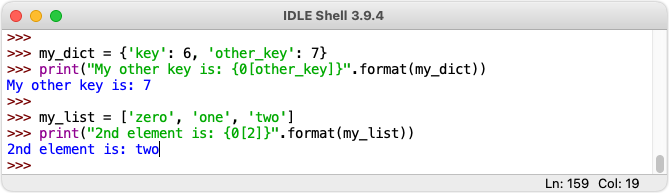
也可以使用字典键:
my_dict = {'key': 6, 'other_key': 7}
print("My other key is: {0[other_key]}".format(my_dict)) # "0" is optional
# Out: "My other key is: 7"
这同样适用于列表和元组索引:
my_list = ['zero', 'one', 'two']
print("2nd element is: {0[2]}".format(my_list)) # "0" is optional
# Out: "2nd element is: two"
注意:除了
str.format之外,Python 还提供了用于格式化字符串的模运算符%--也称为字符串格式化或插值运算符 (参见 PEP 3101)。str.format是%的继承者,它提供了更大的灵活性,例如可以更容易地进行多重替换。
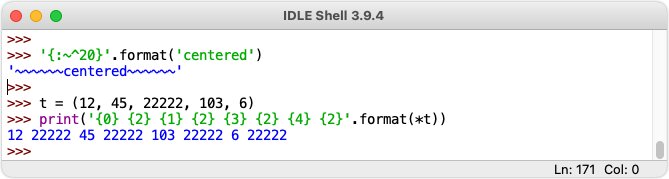
除参数索引外,您还可以在大括号内加入格式规范。这是一个遵循特殊规则的表达式,必须在前面加上冒号(:)。有关格式规范的完整说明,请参阅文档。格式规范的一个例子是对齐指令 :~^20 (^ 表示居中对齐,总宽度为 20,用 ~ 字符填充):
'{:~^20}'.format('centered')
# Out: '~~~~~~centered~~~~~~'
format允许使用 % 无法实现的行为,例如重复参数:
t = (12, 45, 22222, 103, 6)
print('{0} {2} {1} {2} {3} {2} {4} {2}'.format(*t))
# Out: 12 22222 45 22222 103 22222 6 22222
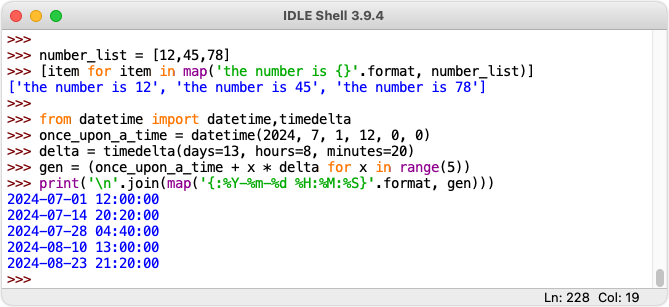
由于 format 是一个函数,它可以用作其他函数的参数:
number_list = [12,45,78]
[item for item in map('the number is {}'.format, number_list)]
# Out: ['the number is 12', 'the number is 45', 'the number is 78']

from datetime import datetime,timedelta
once_upon_a_time = datetime(2024, 7, 1, 12, 0, 0)
delta = timedelta(days=13, hours=8, minutes=20)

gen = (once_upon_a_time + x * delta for x in range(5))

print('\n'.join(map('{:%Y-%m-%d %H:%M:%S}'.format, gen)))
#Out: 2010-07-01 12:00:00
# 2010-07-14 20:20:00
# 2010-07-28 04:40:00
# 2010-08-10 13:00:00
# 2010-08-23 21:20:00
Section 40.2: 对齐和填充
Python 2.x Version ≥ 2.6
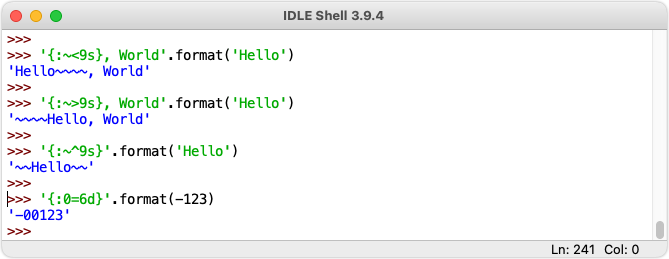
format() 方法可用于改变字符串的对齐方式。必须使用格式表达式 :[fill_char][align_operator][width]来实现,其中 align_operator 为以下格式之一:
-
<强制字段在宽度范围内左对齐。 -
<在宽度范围内强制字段右对齐。 -
^使字段在宽度范围内居中对齐。 -
=强制将填充放在符号后(仅限数字类型)。
fill_char(如果省略,默认为空白)是用于填充的字符。
'{:~<9s}, World'.format('Hello')
# 'Hello~~~~, World'

'{:~>9s}, World'.format('Hello')
# '~~~~Hello, World'

'{:~^9s}'.format('Hello')
# '~~Hello~~'

'{:0=6d}'.format(-123)
# '-00123'
注意:使用字符串函数 ljust()、rjust()、center()、zfill() 可以获得相同的结果,但这些函数自 2.5 版起已被弃用。
Section 40.3: 格式字面量(f-string)
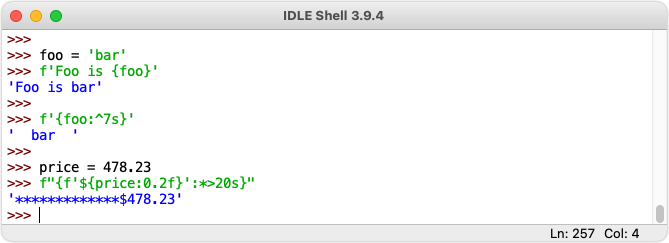
字面格式字符串是在 PEP 498 中引入的(Python3.6 及更高版本),它允许在字符串字面的开头加上 f,以有效地对当前作用域中的所有变量应用 .format。
>>> foo = 'bar'
>>> f'Foo is {foo}'
'Foo is bar'
这也适用于更高级的格式字符串,包括对齐和点符号。
>>> f'{foo:^7s}'
' bar '
注意:f''并不像 python2 中的 b''表示 "字节" 或 u'' 表示 "unicode" 那样表示特定的类型。 格式化会立即应用,生成一个正常的字符串。
格式字符串也可以嵌套:
>>> price = 478.23
>>> f"{f'${price:0.2f}':*>20s}"
'*************$478.23'
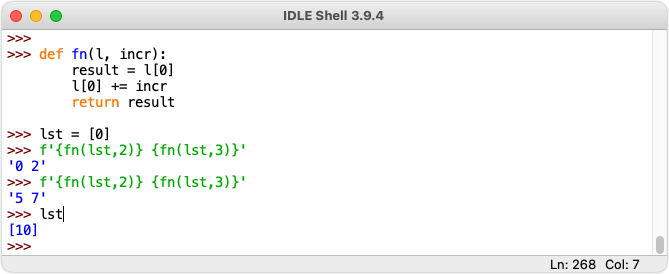
f-string中的表达式按从左到右的顺序求值。只有当表达式具有副作用时,才能发现这种情况:
>>> def fn(l, incr):
...     result = l[0]
...     l[0] += incr
...     return result
...
>>> lst = [0]
>>> f'{fn(lst,2)} {fn(lst,3)}'
'0 2'
>>> f'{fn(lst,2)} {fn(lst,3)}'
'5 7'
>>> lst
[10]
Section 40.4: 浮点数格式
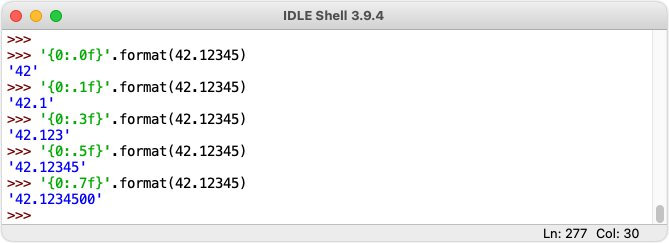
>>> '{0:.0f}'.format(42.12345)
'42'

>>> '{0:.1f}'.format(42.12345)
'42.1'

>>> '{0:.3f}'.format(42.12345)
'42.123'

>>> '{0:.5f}'.format(42.12345)
'42.12345'

>>> '{0:.7f}'.format(42.12345)
'42.1234500'
其他引用方式也是如此:
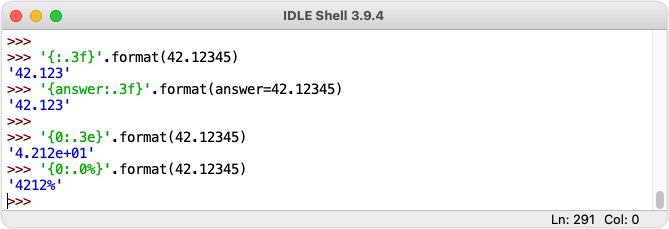
>>> '{:.3f}'.format(42.12345)
'42.123'

>>> '{answer:.3f}'.format(answer=42.12345)
'42.123'
浮点数也可以用科学计数法或百分比格式化:
>>> '{0:.3e}'.format(42.12345)
'4.212e+01'

>>> '{0:.0%}'.format(42.12345)
'4212%'
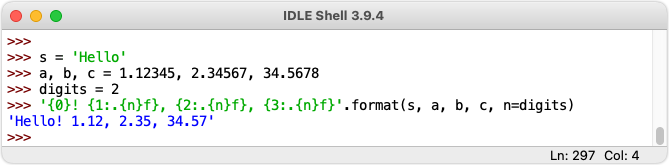
您还可以将 {0} 和 {name} 符号结合使用。当您想用 1 个声明将所有变量四舍五入到预先指定的小数位数时,这种方法尤其有用:
>>> s = 'Hello'
>>> a, b, c = 1.12345, 2.34567, 34.5678
>>> digits = 2

>>> '{0}! {1:.{n}f}, {2:.{n}f}, {3:.{n}f}'.format(s, a, b, c, n=digits)
'Hello! 1.12, 2.35, 34.57'