Section 40.5: 指定占位符
格式字符串可能包含命名占位符,这些占位符是使用 format 的关键字参数插值的。
使用字典 (Python 3.2+)
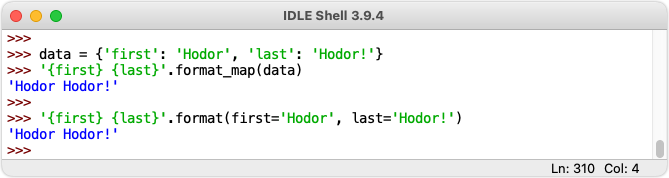
>>> data = {'first': 'Hodor', 'last': 'Hodor!'}
>>> '{first} {last}'.format_map(data)
'Hodor Hodor!'
str.format_map允许使用字典,而无需先解压缩。此外,数据类型(可能是自定义类型)会被使用,而不是新填充的 dict。
不使用字典:
>>> '{first} {last}'.format(first='Hodor', last='Hodor!')
'Hodor Hodor!'
Section 40.6: 用日期时间格式化字符串
任何类都可以通过 __format__ 方法配置自己的字符串格式化语法。在标准 Python 库中,可以方便地使用这种方法的类型是 datetime 类型,在该类型中,我们可以直接在 str.format 中使用类似于 strftime 的格式化代码:
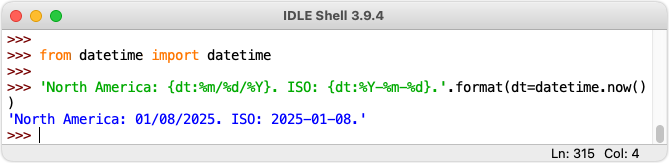
>>> from datetime import datetime
>>> 'North America: {dt:%m/%d/%Y}. ISO: {dt:%Y-%m-%d}.'.format(dt=datetime.now())
'North America: 07/21/2016. ISO: 2016-07-21.'
完整的日期时间格式列表可参见 官方文档。
Section 40.7: 数值格式化
.format() 方法可以解释不同格式的数字,例如
>>> '{:c}'.format(65) # Unicode character
'A'

>>> '{:d}'.format(0x0a) # base 10
'10'

>>> '{:n}'.format(0x0a) # base 10 using current locale for separators
'10'
将整数格式化为不同的基数(十六进制、八进制、二进制)
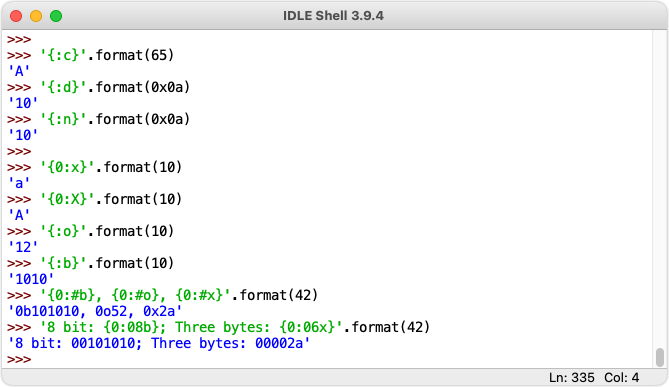
>>> '{0:x}'.format(10) # base 16, lowercase - Hexadecimal
'a'

>>> '{0:X}'.format(10) # base 16, uppercase - Hexadecimal
'A'

>>> '{:o}'.format(10) # base 8 - Octal
'12'

>>> '{:b}'.format(10) # base 2 - Binary
'1010'

>>> '{0:#b}, {0:#o}, {0:#x}'.format(42) # With prefix
'0b101010, 0o52, 0x2a'

>>> '8 bit: {0:08b}; Three bytes: {0:06x}'.format(42) # Add zero padding
'8 bit: 00101010; Three bytes: 00002a'
使用格式化将 RGB 浮点元组转换为颜色十六进制字符串:
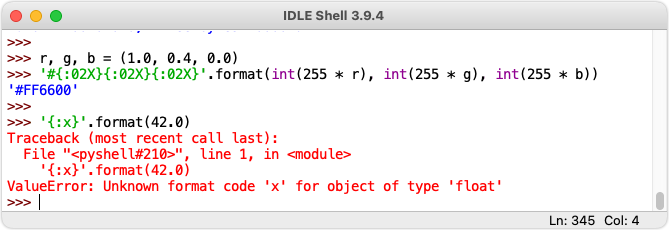
>>> r, g, b = (1.0, 0.4, 0.0)
>>> '#{:02X}{:02X}{:02X}'.format(int(255 * r), int(255 * g), int(255 * b))
'#FF6600'
只能转换整数:
>>> '{:x}'.format(42.0)
Traceback (most recent call last):
    File "<stdin>", line 1, in <module>
ValueError: Unknown format code 'x' for object of type 'float'
Section 40.8: 嵌套格式
某些格式可以使用额外的参数,例如格式化字符串的宽度或对齐方式:
>>> '{:.>10}'.format('foo')
'.......foo'
也可以通过在 {} 中嵌套更多 {} 作为格式化的参数:
>>> '{:.>{}}'.format('foo', 10)
'.......foo'
>>> '{:{}{}{}}'.format('foo', '*', '^', 15)
'******foo******'
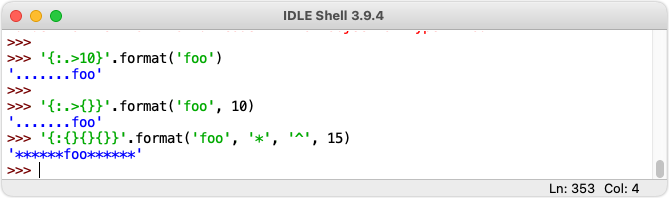
在后一个示例中,格式字符串{:{}{}{}}被修改为 {:*^15}(即 "居中并用*填充,总长度为 15"),然后再将其应用于实际字符串 "foo",使其格式化。
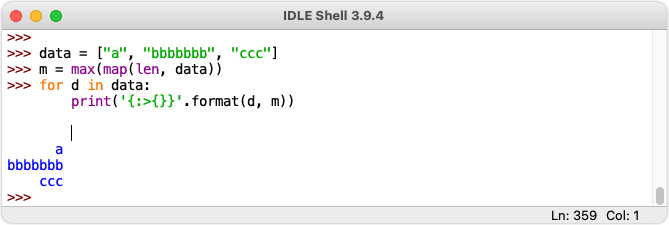
在事先不知道参数的情况下,例如对齐表格数据时,这可能会很有用:
>>> data = ["a", "bbbbbbb", "ccc"]
>>> m = max(map(len, data))
>>> for d in data:
...     print('{:>{}}'.format(d, m))
      a
bbbbbbb
    ccc
Section 40.9: 使用 Getitem 和 Getattr 格式化
任何支持 __getitem__ 的数据结构都可以格式化其嵌套结构:
>>> person = {'first': 'Arthur', 'last': 'Dent'}
>>> '{p[first]} {p[last]}'.format(p=person)
# 'Arthur Dent'
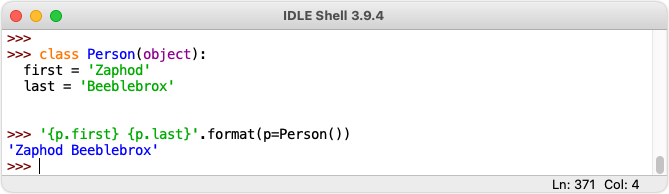
可以使用 getattr() 访问对象属性:
class Person(object):
  first = 'Zaphod'
  last = 'Beeblebrox'

'{p.first} {p.last}'.format(p=Person())
# 'Zaphod Beeblebrox'
Section 40.10: 合并填充和截断字符串
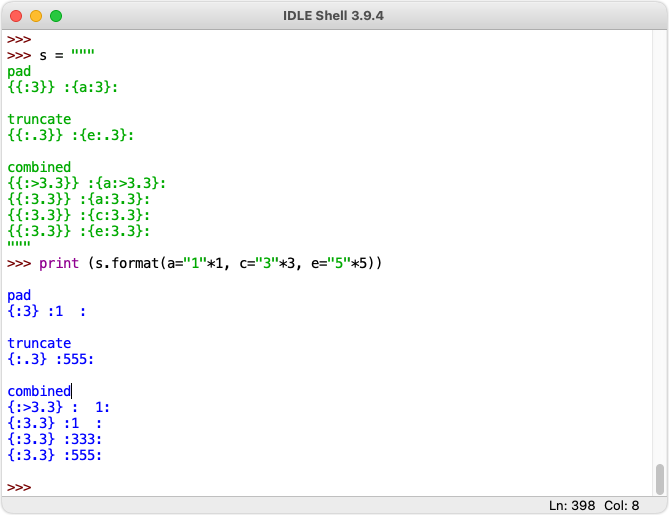
假设要在 3 个字符的列中打印变量。
注意:将 { 和 } 加倍,可以将它们转义。
s = """
pad
{{:3}} :{a:3}:

truncate
{{:.3}} :{e:.3}:

combined
{{:>3.3}} :{a:>3.3}:
{{:3.3}} :{a:3.3}:
{{:3.3}} :{c:3.3}:
{{:3.3}} :{e:3.3}:
"""

print (s.format(a="1"*1, c="3"*3, e="5"*5))
输出:
pad
{:3} :1 :

truncate
{:.3} :555:

combined
{:>3.3} : 1:
{:3.3} :1 :
{:3.3} :333:
{:3.3} :555:
Section 40.11: 自定义类的格式
注意
以下内容适用于 str.format 方法和 format 函数。在下面的文字中,这两个 两者可以互换。
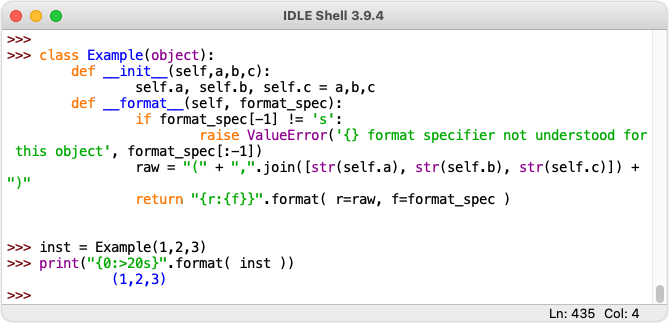
对于传递给 format 函数的每一个值,Python 都会为该参数寻找一个 __format__方法。因此,您自己的自定义类可以有自己的 __format__ 方法来决定 format 函数将如何显示和格式化您的类及其属性。
这与 __str__ 方法不同,因为在 __format__ 方法中,你可以考虑格式化语言,包括对齐方式、字段宽度等,甚至(如果你愿意)实现你自己的格式规范和格式化语言扩展1。
object.__format__(self, format_spec)
例如
# Python 2 中的示例 - 但可轻松应用于 Python 3
class Example(object):
  def __init__(self,a,b,c):
    self.a, self.b, self.c = a,b,c

  def __format__(self, format_spec):
    """ Implement special semantics for the 's' format specifier """
    # 拒绝任何不是 S 的东西

    if format_spec[-1] != 's':

      raise ValueError('{} format specifier not understood for this object', format_spec[:-1])
    # 本例中的输出将是(<a>,<b>,<c>)。
    raw = "(" + ",".join([str(self.a), str(self.b), str(self.c)]) + ")"
    # 通过使用内置字符串格式来尊重格式语言
    # 由于我们知道最初的 format_spec 是以 “s ”结尾的
    # 因此我们可以利用 str.format 方法,使用我们在上面构建的 字符串参数
    return "{r:{f}}".format( r=raw, f=format_spec )

inst = Example(1,2,3)
print("{0:>20s}".format( inst ))
# out : (1,2,3)
# 注意右对齐和字段宽度 20 是如何得到遵守的。
注意
如果您的自定义类没有自定义的
__format__方法,并且类的实例被传递给 format 函数,Python2 将总是使用__str__方法或__repr__方法的返回值来决定打印什么 (如果两者都不存在,那么将使用缺省的repr) ,您将需要使用 s format 指定符来格式化它。在 Python3 中,要将自定义类传递给 format 函数,需要在自定义类中定义__format__方法。


