大多数程序是逐行执行的,一次只运行一个进程。线程允许多个进程独立运行。使用多处理器的线程可以让程序同时运行多个进程。本章记录了 Python 中线程的实现和使用。
Section 118.1: 全局解释器锁
Python 的多线程性能通常会受到全局解释器锁(GIL)的影响。简而言之,即使你的 Python 程序中有多个线程,但任何时刻只能有一个字节码指令并行执行,无论有多少个 CPU。
因此,在操作被外部事件阻塞的情况下(例如网络访问),多线程可以非常有效:
import threading
import time

def process():
  time.sleep(2)

start = time.time()
process()
print("One run took %.2fs" % (time.time() - start))

start = time.time()
threads = [threading.Thread(target=process) for _ in range(4)]
for t in threads:
  t.start()
for t in threads:
  t.join()
print("Four runs took %.2fs" % (time.time() - start))

# 输出: One run took 2.00s
# 输出: Four runs took 2.00s
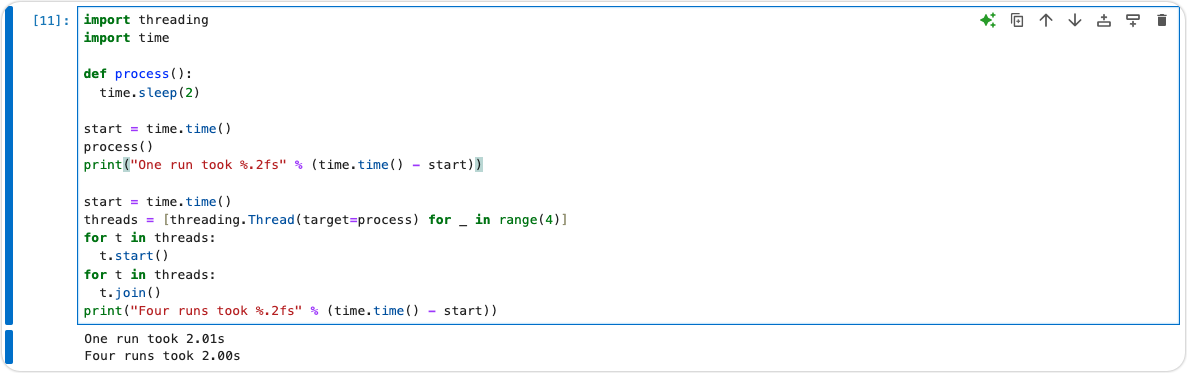
请注意,尽管每个进程执行需要 2 秒,但四个进程能够有效地并行运行,总共花费 2 秒。
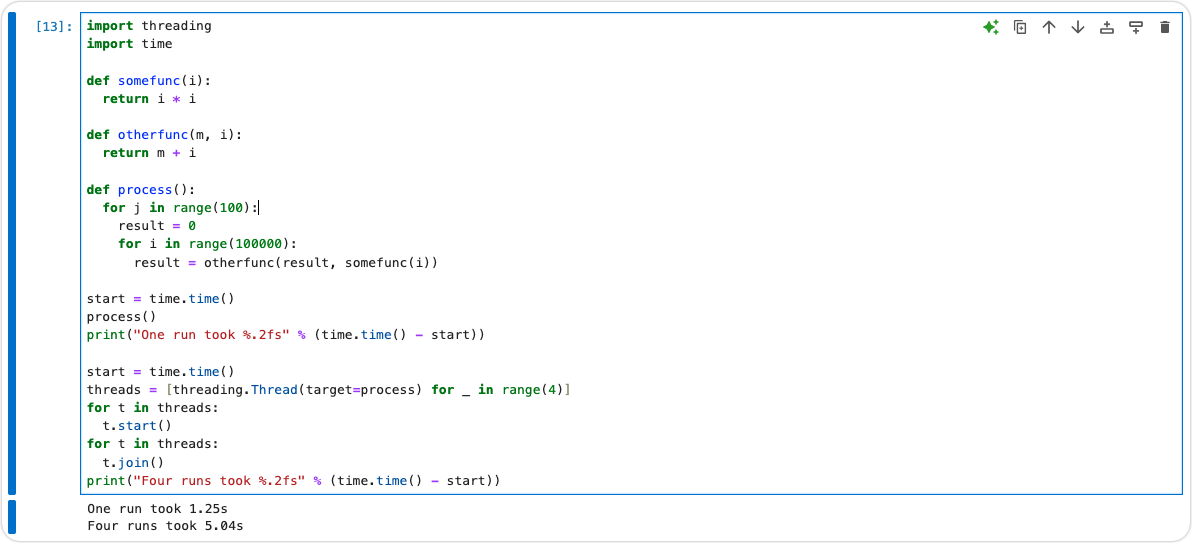
然而,在 Python 代码中进行密集计算的情况下(例如大量计算),多线程并没有带来太多改进,甚至可能比并行运行更慢:
import threading
import time

def somefunc(i):
  return i * i

def otherfunc(m, i):
  return m + i

def process():
  for j in range(100):
    result = 0
    for i in range(100000):
      result = otherfunc(result, somefunc(i))

start = time.time()
process()
print("One run took %.2fs" % (time.time() - start))

start = time.time()
threads = [threading.Thread(target=process) for _ in range(4)]
for t in threads:
  t.start()
for t in threads:
  t.join()
print("Four runs took %.2fs" % (time.time() - start))

# 输出: One run took 2.05s
# 输出: Four runs took 14.42s
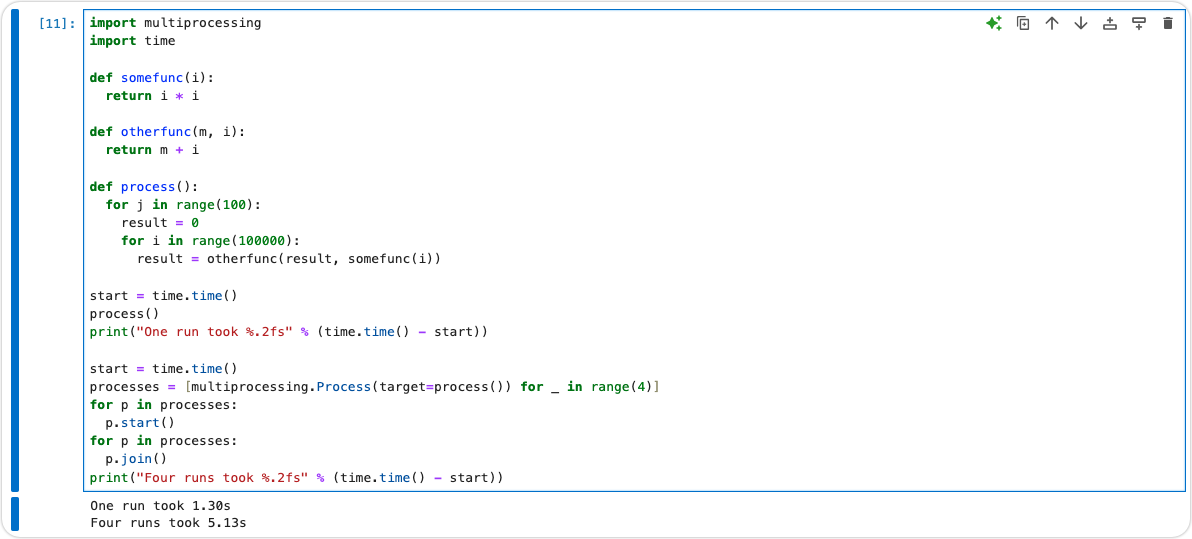
在后一种情况下,由于多个进程当然可以同时执行多条指令,因此多进程可以发挥有效作用:
import multiprocessing
import time

def somefunc(i):
  return i * i

def otherfunc(m, i):
  return m + i

def process():
  for j in range(100):
    result = 0
    for i in range(100000):
      result = otherfunc(result, somefunc(i))

start = time.time()
process()
print("One run took %.2fs" % (time.time() - start))

start = time.time()
processes = [multiprocessing.Process(target=process) for _ in range(4)]
for p in processes:
  p.start()
for p in processes:
  p.join()
print("Four runs took %.2fs" % (time.time() - start))

# 输出: One run took 2.07s
# 输出: Four runs took 2.30s
Section 118.2: 在多个线程中运行
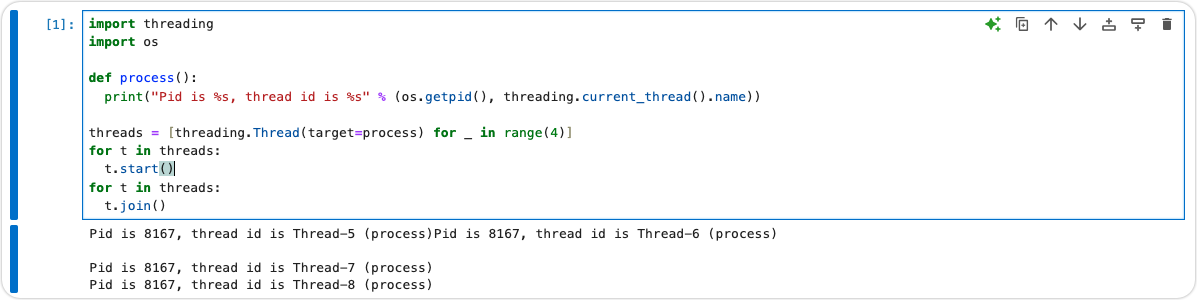
使用 threading.Thread 在另一个线程中运行一个函数。
import threading
import os

def process():
  print("Pid is %s, thread id is %s" % (os.getpid(), threading.current_thread().name))

threads = [threading.Thread(target=process) for _ in range(4)]
for t in threads:
  t.start()
for t in threads:
  t.join()

# 输出: Pid is 11240, thread id is Thread-1
# 输出: Pid is 11240, thread id is Thread-2
# 输出: Pid is 11240, thread id is Thread-3
# 输出: Pid is 11240, thread id is Thread-4
Section 118.3: 在多个进程中运行
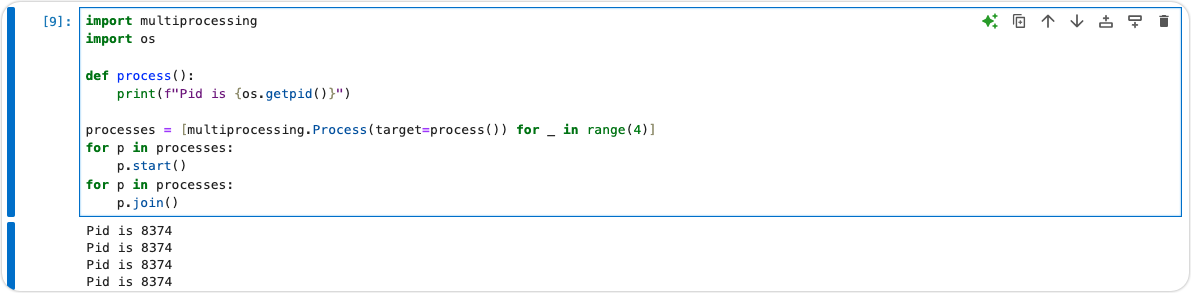
使用 multiprocessing.Process 在另一个进程中运行一个函数。其接口与 threading.Thread 类似:
import multiprocessing
import os

def process():
  print("Pid is %s" % (os.getpid(),))

processes = [multiprocessing.Process(target=process()) for _ in range(4)]
for p in processes:
  p.start()
for p in processes:
  p.join()

# 输出: Pid is 11206
# 输出: Pid is 11207
# 输出: Pid is 11208
# 输出: Pid is 11209
Section 118.4: 线程间共享状态
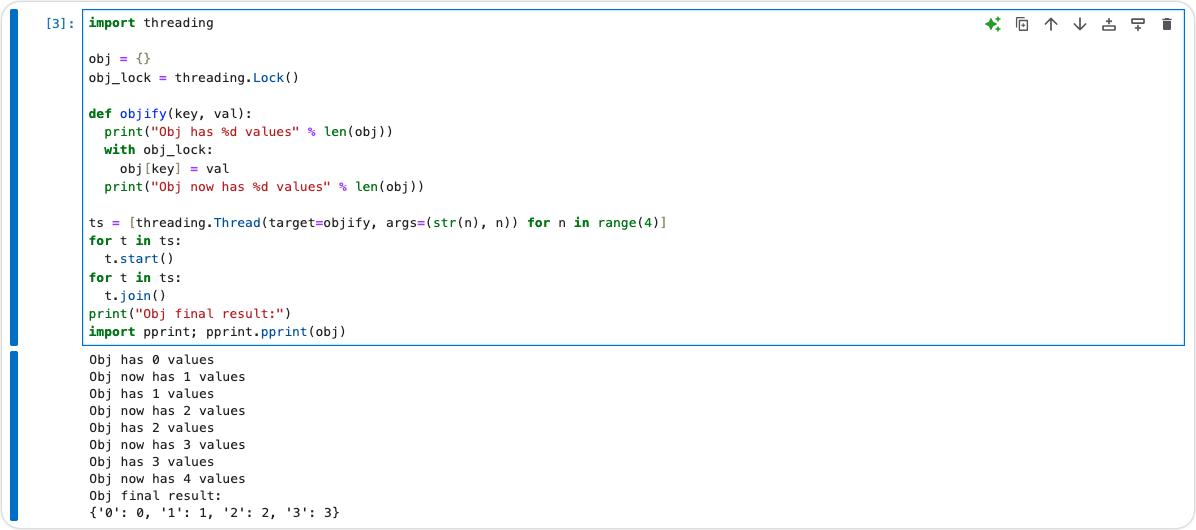
由于所有线程都在同一个进程中运行,因此所有线程都可以访问相同的数据。
然而,对共享数据的并发访问应该用锁来保护,以避免同步问题。
import threading

obj = {}
obj_lock = threading.Lock()

def objify(key, val):
  print("Obj has %d values" % len(obj))
  with obj_lock:
    obj[key] = val
  print("Obj now has %d values" % len(obj))

ts = [threading.Thread(target=objify, args=(str(n), n)) for n in range(4)]
for t in ts:
  t.start()
for t in ts:
  t.join()
print("Obj final result:")
import pprint; pprint.pprint(obj)

# 输出:
# Obj has 0 values
# Obj has 0 values
# Obj now has 1 values
# Obj now has 2 values
# Obj has 2 values
# Obj now has 3 values
# Obj has 3 values
# Obj now has 4 values
# Obj final result:
# {'0': 0, '1': 1, '2': 2, '3': 3}
Section 118.5: 进程间共享状态
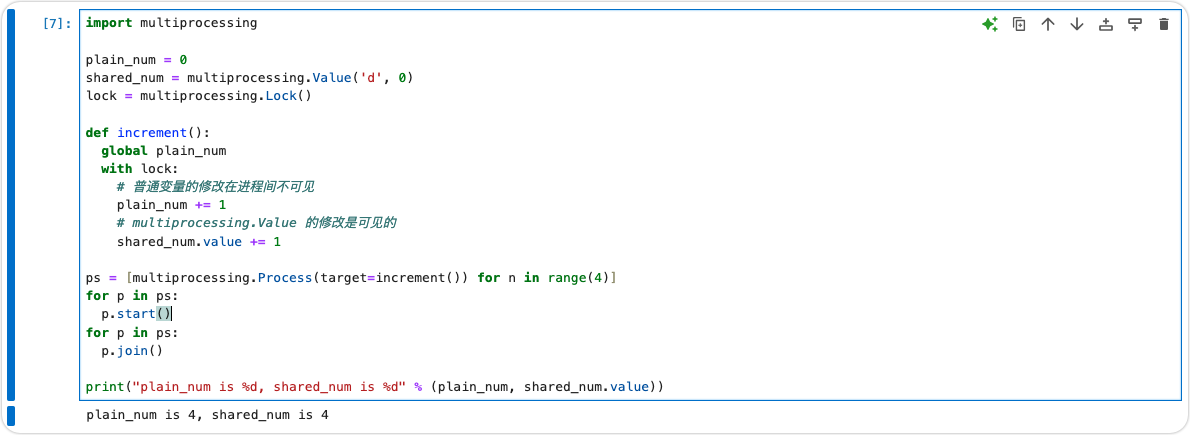
默认情况下,运行在不同进程中的代码不会共享相同的数据。然而,multiprocessing 模块包含了一些原语,可以帮助在多个进程之间共享值。
import multiprocessing

plain_num = 0
shared_num = multiprocessing.Value('d', 0)
lock = multiprocessing.Lock()

def increment():
  global plain_num
  with lock:
    # 普通变量的修改在进程间不可见
    plain_num += 1
    # multiprocessing.Value 的修改是可见的
    shared_num.value += 1

ps = [multiprocessing.Process(target=increment) for n in range(4)]
for p in ps:
  p.start()
for p in ps:
  p.join()

print("plain_num is %d, shared_num is %d" % (plain_num, shared_num.value))

# 输出: plain_num is 0, shared_num is 4