Section 186.1: 简单的 transform
首先,我们创建一个示例数据框。
假设一个客户可以有 n 个订单,一个订单可以有 m 个项目,而项目可以被多次订购。
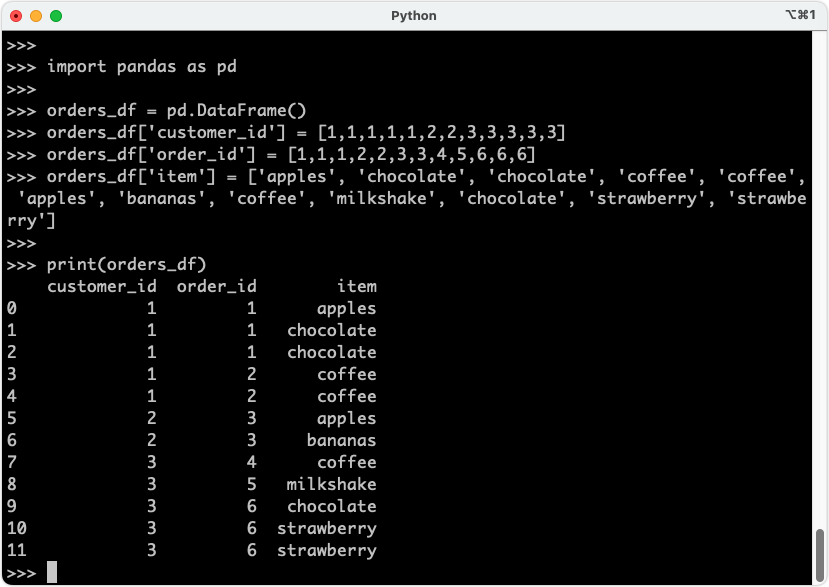
orders_df = pd.DataFrame()
orders_df['customer_id'] = [1,1,1,1,1,2,2,3,3,3,3,3]
orders_df['order_id'] = [1,1,1,2,2,3,3,4,5,6,6,6]
orders_df['item'] = ['apples', 'chocolate', 'chocolate', 'coffee', 'coffee', 'apples', 'bananas', 'coffee', 'milkshake', 'chocolate', 'strawberry', 'strawberry']

# And this is how the dataframe looks like:
print(orders_df)
# customer_id order_id item
# 0 1 1 apples
# 1 1 1 chocolate
# 2 1 1 chocolate
# 3 1 2 coffee
# 4 1 2 coffee
# 5 2 3 apples
# 6 2 3 bananas
# 7 3 4 coffee
# 8 3 5 milkshake
# 9 3 6 chocolate
# 10 3 6 strawberry
# 11 3 6 strawberry
现在,我们将使用 Pandas 的 transform 函数来统计每个客户的订单数量。
# 首先,定义一个应用于每个客户 ID 的函数
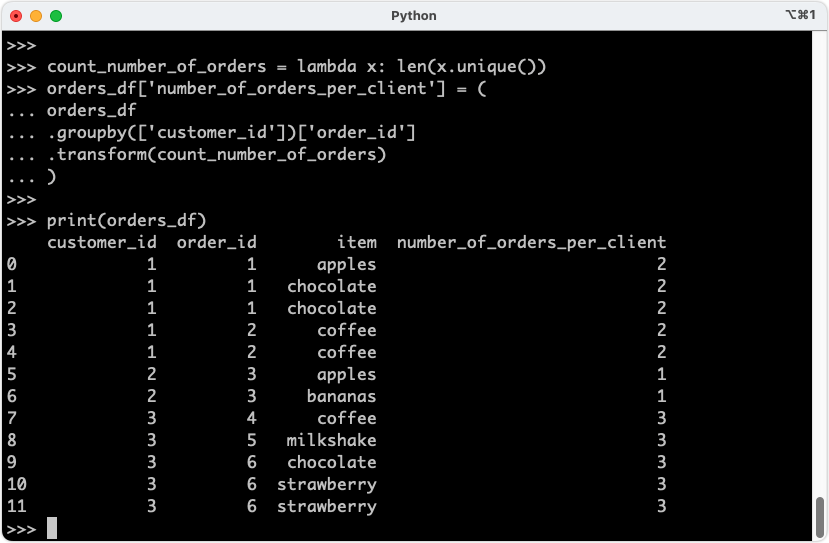
count_number_of_orders = lambda x: len(x.unique())

# 然后,使用上述逻辑对每个分组进行转换
orders_df['number_of_orders_per_client'] = (
    orders_df  # 使用原始数据框
    .groupby(['customer_id'])['order_id']  # 按客户 ID 分组并选择订单 ID
    .transform(count_number_of_orders)  # 对每个分组分别应用函数
)

# 查看结果
print(orders_df)
#    customer_id  order_id       item  number_of_orders_per_client
# 0            1         1     apples                             2
# 1            1         1  chocolate                             2
# 2            1         1  chocolate                             2
# 3            1         2     coffee                             2
# 4            1         2     coffee                             2
# 5            2         3     apples                             1
# 6            2         3    bananas                             1
# 7            3         4     coffee                             3
# 8            3         5  milkshake                             3
# 9            3         6  chocolate                             3
# 10           3         6  strawberry                             3
# 11           3         6  strawberry                             3
Section 186.2: 每个分组返回多个结果
使用返回每个分组子计算结果的 transform 函数
在上一个示例中,每个客户只有一个结果。然而,也可以应用返回分组不同值的函数。
# 创建一个示例数据框
orders_df = pd.DataFrame()
orders_df['customer_id'] = [1, 1, 1, 1, 1, 2, 2, 3, 3, 3, 3, 3]
orders_df['order_id'] = [1, 1, 1, 2, 2, 3, 3, 4, 5, 6, 6, 6]
orders_df['item'] = ['apples', 'chocolate', 'chocolate', 'coffee', 'coffee', 'apples', 'bananas', 'coffee', 'milkshake', 'chocolate', 'strawberry', 'strawberry']

# 尝试查看每个订单中的项目是否被订购了多次

# 首先,定义一个应用于每个分组的函数
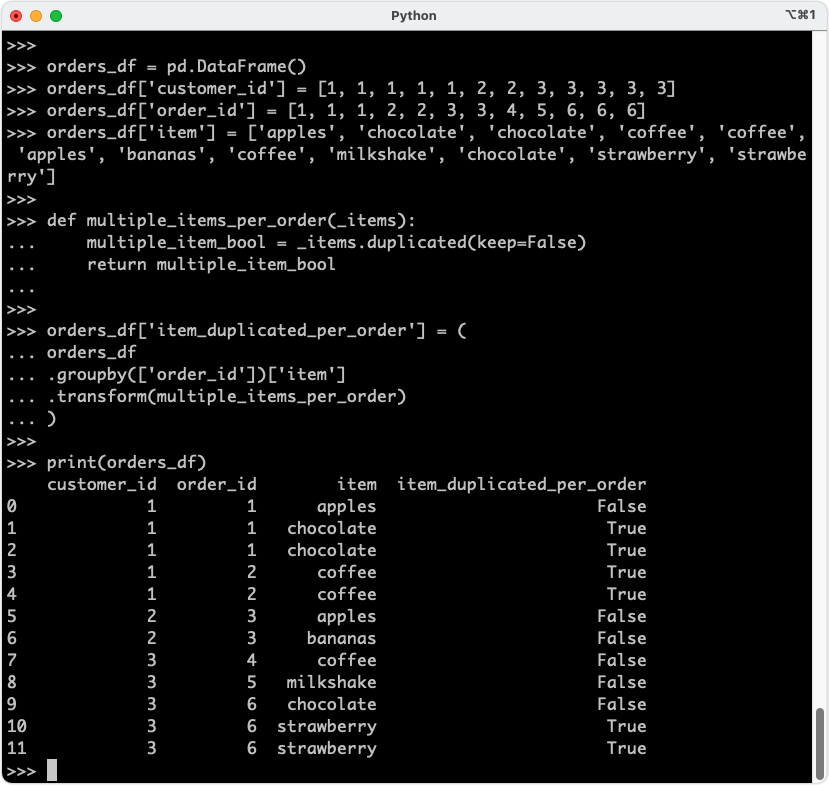
def multiple_items_per_order(_items):
    # 使用 .duplicated,如果项目出现多次,则返回 True
    multiple_item_bool = _items.duplicated(keep=False)
    return multiple_item_bool

# 然后,根据定义的函数对每个分组进行转换
orders_df['item_duplicated_per_order'] = (
    orders_df  # 使用订单数据框
    .groupby(['order_id'])['item']  # 按订单 ID 分组并选择项目
    .transform(multiple_items_per_order)  # 对每个分组分别应用定义的函数
)

# 查看结果
print(orders_df)
#    customer_id  order_id       item  item_duplicated_per_order
# 0            1         1     apples                     False
# 1            1         1  chocolate                      True
# 2            1         1  chocolate                      True
# 3            1         2     coffee                      True
# 4            1         2     coffee                      True
# 5            2         3     apples                     False
# 6            2         3    bananas                     False
# 7            3         4     coffee                     False
# 8            3         5  milkshake                     False
# 9            3         6  chocolate                     False
# 10           3         6  strawberry                      True
# 11           3         6  strawberry                      True