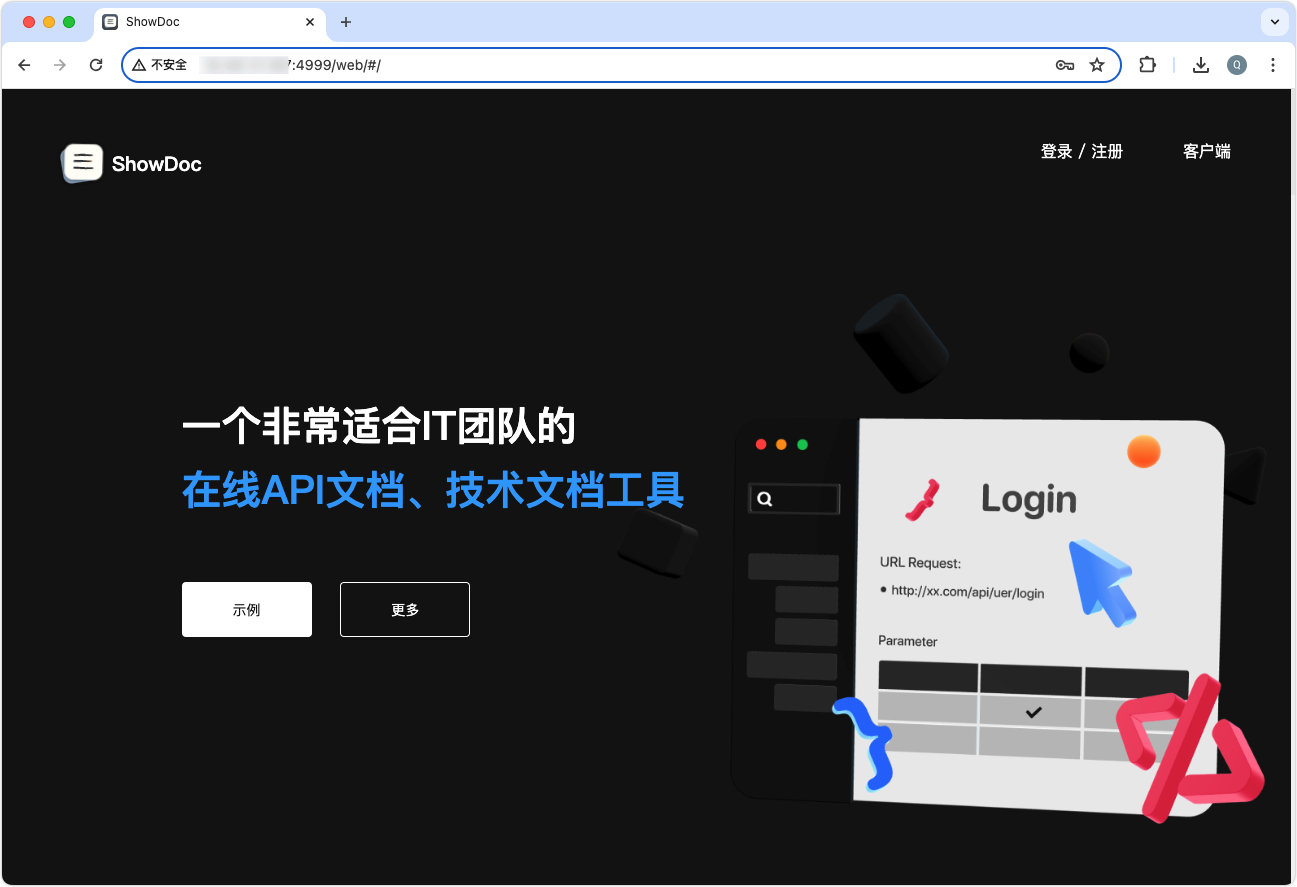
ShowDoc是一个非常适合IT团队的在线API文档、技术文档工具。通过showdoc,你可以方便地使用markdown语法来书写出美观的API文档、数据字典文档、技术文档、在线excel文档等等。如果不想编辑markdown文档,你还可以利用showdoc的自动化能力,从程序注释中自动生成API文档,或者从搭配的RunApi客户端(类似postman的api调试工具)中一边调试接口、一边自动生成文档。通过分配项目成员和团队成员,你可以很方便地进行项目文档的权限管理和团队协作,也可以分享文档出去给朋友查看。ShowDoc还支持多平台客户端,有win客户端、mac客户端、ios、android等,更方便跨平台使用。
1. 下载镜像
docker添加加速镜像后,直接使用下面的命令进行安装即可
bash
[root@onepanel ~]# docker pull star7th/showdoc
Using default tag: latest
latest: Pulling from star7th/showdoc
ca7dd9ec2225: Already exists
1b78b4fe0ca1: Already exists
9d6040f2a28f: Already exists
0e2e66b89284: Already exists
3b1be5f02bec: Already exists
96243f515dda: Already exists
e427679e7c26: Already exists
759eb390abda: Already exists
9820b782a628: Already exists
a9e6097c1efa: Already exists
561ed9cfdc11: Already exists
b5ac29f40552: Already exists
9c9b9da49812: Already exists
a9d2406d9976: Already exists
3cc36ef8d41c: Already exists
640399d119a6: Already exists
86e58e6128a5: Already exists
b0e1f147b984: Already exists
e6ce4f3778f4: Already exists
2ad3d0896e22: Pull complete
62f33408a0ec: Pull complete
950f6256e85c: Pull complete
Digest: sha256:60510d82772e776633b8e205bbdbace7b07812711460b98c431db6b10014d60d
Status: Downloaded newer image for star7th/showdoc:latest
docker.io/star7th/showdoc:latest
如果可以配置加速镜像,可以使用下面的命令直接在命令中指定国内的仓库源进行安装
bash
docker pull registry.cn-shenzhen.aliyuncs.com/star7th/showdoc
docker tag registry.cn-shenzhen.aliyuncs.com/star7th/showdoc:latest star7th/showdoc:latest
2. 新建存放showdoc数据的目录
[root@onepanel ~]# mkdir -p /data/showdoc
[root@onepanel ~]# chmod -R 777 /data
如果你是想把数据挂载到其他目录,比如说/data1,那么,可以在/data1目录下新建一个showdoc_data/目录,
然后在根目录的新建一个软链接/showdoc_data到/data1/showdoc_data
这样既能保持跟官方教程推荐的路径一致,又能达到自定义存储的目的.
3. 启动showdoc容器
直接用dcker启动容器
docker run -d --name showdoc --user=root --privileged=true -p 4999:80 -v /data/showdoc/html:/var/www/html/ --restart=always star7th/showdoc
根据以上命令操作的话,往后showdoc的数据都会存放在 /data/showdoc/ 目录下。
4. 打开网页
你可以打开 http://localhost:4999 来访问showdoc (localhost可改为你的服务器域名或者IP)。账户密码是showdoc/123456,登录后你便可以看到右上方的管理后台入口。建议登录后修改密码。