系统的部署需要docker版本为25或以上的。请确保使用的版本为25或以上。
创建并进入目录
demouser@demohosts:~$ mkdir ./immich-app
demouser@demohosts:~$ cd ./immich-app
线上下载docker-compose.yml
demouser@demohosts:~/immich-app$ wget -O docker-compose.yml https://github.com/immich-app/immich/releases/latest/download/docker-compose.yml
--2024-10-23 15:42:12--  https://github.com/immich-app/immich/releases/latest/download/docker-compose.yml
正在解析主机 github.com (github.com)... 20.205.243.166
正在连接 github.com (github.com)|20.205.243.166|:443... 已连接。
已发出 HTTP 请求,正在等待回应... 302 Found
位置:https://github.com/immich-app/immich/releases/download/v1.118.2/docker-compose.yml [跟随至新的 URL]
--2024-10-23 15:42:13--  https://github.com/immich-app/immich/releases/download/v1.118.2/docker-compose.yml
再次使用存在的到 github.com:443 的连接。
已发出 HTTP 请求,正在等待回应... 302 Found
位置:https://objects.githubusercontent.com/github-production-release-asset-2e65be/455229168/beccc782-5dbf-4229-9beb-22e5e723f5ff?X-Amz-Algorithm=AWS4-HMAC-SHA256&X-Amz-Credential=releaseassetproduction%2F20241023%2Fus-east-1%2Fs3%2Faws4_request&X-Amz-Date=20241023T074213Z&X-Amz-Expires=300&X-Amz-Signature=e9ec62d5240fffc41cdf872c100a725c7e785242baf0542ff629f752ee251cdd&X-Amz-SignedHeaders=host&response-content-disposition=attachment%3B%20filename%3Ddocker-compose.yml&response-content-type=application%2Foctet-stream [跟随至新的 URL]
--2024-10-23 15:42:13--  https://objects.githubusercontent.com/github-production-release-asset-2e65be/455229168/beccc782-5dbf-4229-9beb-22e5e723f5ff?X-Amz-Algorithm=AWS4-HMAC-SHA256&X-Amz-Credential=releaseassetproduction%2F20241023%2Fus-east-1%2Fs3%2Faws4_request&X-Amz-Date=20241023T074213Z&X-Amz-Expires=300&X-Amz-Signature=e9ec62d5240fffc41cdf872c100a725c7e785242baf0542ff629f752ee251cdd&X-Amz-SignedHeaders=host&response-content-disposition=attachment%3B%20filename%3Ddocker-compose.yml&response-content-type=application%2Foctet-stream
正在解析主机 objects.githubusercontent.com (objects.githubusercontent.com)... 185.199.110.133, 185.199.111.133, 185.199.108.133, ...
正在连接 objects.githubusercontent.com (objects.githubusercontent.com)|185.199.110.133|:443... 已连接。
已发出 HTTP 请求,正在等待回应... 200 OK
长度: 3323 (3.2K) [application/octet-stream]
正在保存至: ‘docker-compose.yml’

docker-compose.yml                100%[==========================================================>]   3.25K  --.-KB/s    用时 0s

2024-10-23 15:42:14 (32.8 MB/s) - 已保存 ‘docker-compose.yml’ [3323/3323])
下载.env文件
demouser@demohosts:~/immich-app$ wget -O .env https://github.com/immich-app/immich/releases/latest/download/example.env
--2024-10-23 15:42:26--  https://github.com/immich-app/immich/releases/latest/download/example.env
正在解析主机 github.com (github.com)... 20.205.243.166
正在连接 github.com (github.com)|20.205.243.166|:443... 已连接。
已发出 HTTP 请求,正在等待回应... 302 Found
位置:https://github.com/immich-app/immich/releases/download/v1.118.2/example.env [跟随至新的 URL]
--2024-10-23 15:42:27--  https://github.com/immich-app/immich/releases/download/v1.118.2/example.env
再次使用存在的到 github.com:443 的连接。
已发出 HTTP 请求,正在等待回应... 302 Found
位置:https://objects.githubusercontent.com/github-production-release-asset-2e65be/455229168/4340fe27-7879-4fea-acac-70423674a057?X-Amz-Algorithm=AWS4-HMAC-SHA256&X-Amz-Credential=releaseassetproduction%2F20241023%2Fus-east-1%2Fs3%2Faws4_request&X-Amz-Date=20241023T074227Z&X-Amz-Expires=300&X-Amz-Signature=66b62b776f258b6b0cd55985a5d9fcc2ea8803b1e4e5d6f761276dd3e4462bb2&X-Amz-SignedHeaders=host&response-content-disposition=attachment%3B%20filename%3Dexample.env&response-content-type=application%2Foctet-stream [跟随至新的 URL]
--2024-10-23 15:42:27--  https://objects.githubusercontent.com/github-production-release-asset-2e65be/455229168/4340fe27-7879-4fea-acac-70423674a057?X-Amz-Algorithm=AWS4-HMAC-SHA256&X-Amz-Credential=releaseassetproduction%2F20241023%2Fus-east-1%2Fs3%2Faws4_request&X-Amz-Date=20241023T074227Z&X-Amz-Expires=300&X-Amz-Signature=66b62b776f258b6b0cd55985a5d9fcc2ea8803b1e4e5d6f761276dd3e4462bb2&X-Amz-SignedHeaders=host&response-content-disposition=attachment%3B%20filename%3Dexample.env&response-content-type=application%2Foctet-stream
正在解析主机 objects.githubusercontent.com (objects.githubusercontent.com)... 185.199.110.133, 185.199.109.133, 185.199.108.133, ...
正在连接 objects.githubusercontent.com (objects.githubusercontent.com)|185.199.110.133|:443... 已连接。
已发出 HTTP 请求,正在等待回应... 200 OK
长度: 933 [application/octet-stream]
正在保存至: ‘.env’

.env                              100%[==========================================================>]     933  --.-KB/s    用时 0s

2024-10-23 15:42:28 (47.5 MB/s) - 已保存 ‘.env’ [933/933])
修改配置变量为自己的变量,主要需要修改的关键变量为
UPLOAD_LOCATION:设置为您希望存储文件的位置
DB_PASSWORD:修改为自定义的安全密码,建议包含大小写字母和数字
TZ:设置您的时区,国内时区为 Asia/Shanghai
根据规约文件启动容器
demouser@demohosts:~/immich-app$ /usr/local/bin/docker-compose up -d
[+] Running 61/4
 ✔ immich-machine-learning Pulled                                                                                              64.3s
 ✔ redis Pulled                                                                                                                93.1s
 ✔ database Pulled                                                                                                            157.7s
 ✔ immich-server Pulled                                                                                                        80.8s
[+] Running 4/4
 ✔ Network immich_default             Created                                                                                   0.1s
 ✔ Volume "immich_model-cache"        Created                                                                                   0.0s
 ✔ Container immich_machine_learning  Started                                                                                   0.7s
 ✔ Container immich_redis             Started                                                                                   0.7s
 ✔ Container immich_postgres          Started                                                                                   0.7s
 ✔ Container immich_server            Started                                                                                   1.0s
docker-compose启动了4个容器
demouser@demohosts:~/immich-app$ docker-compose ps
NAME                      IMAGE                                                                                                                  COMMAND                   SERVICE                   CREATED         STATUS                   PORTS
immich_machine_learning   ghcr.io/immich-app/immich-machine-learning:release                                                                     "tini -- ./start.sh"      immich-machine-learning   2 minutes ago   Up 2 minutes (healthy)
immich_postgres           docker.io/tensorchord/pgvecto-rs:pg14-v0.2.0@sha256:90724186f0a3517cf6914295b5ab410db9ce23190a2d9d0b9dd6463e3fa298f0   "docker-entrypoint.s…"   database                  2 minutes ago   Up 2 minutes (healthy)   5432/tcp
immich_redis              docker.io/redis:6.2-alpine@sha256:2ba50e1ac3a0ea17b736ce9db2b0a9f6f8b85d4c27d5f5accc6a416d8f42c6d5                     "docker-entrypoint.s…"   redis                     2 minutes ago   Up 2 minutes (healthy)   6379/tcp
immich_server             ghcr.io/immich-app/immich-server:release                                                                               "tini -- /bin/bash s…"   immich-server             2 minutes ago   Up 2 minutes (healthy)   0.0.0.0:2283->2283/tcp, :::2283->2283/tcp
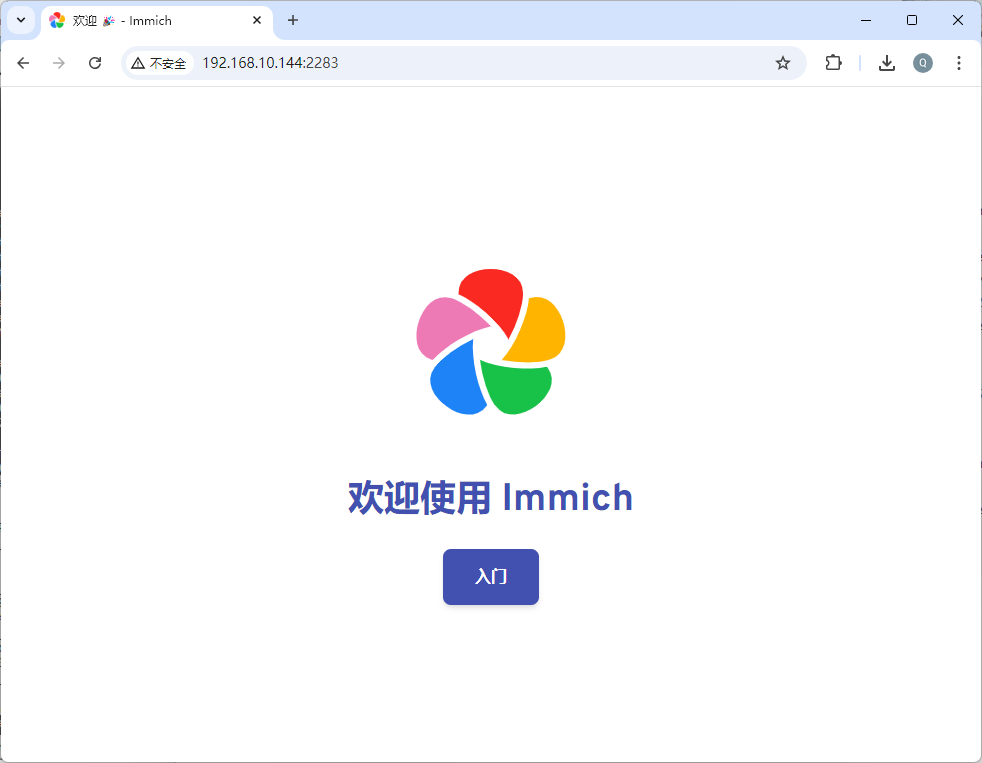
在浏览器中输入 ServerIP:2283 访问照片图库,点击【入门】开始配置
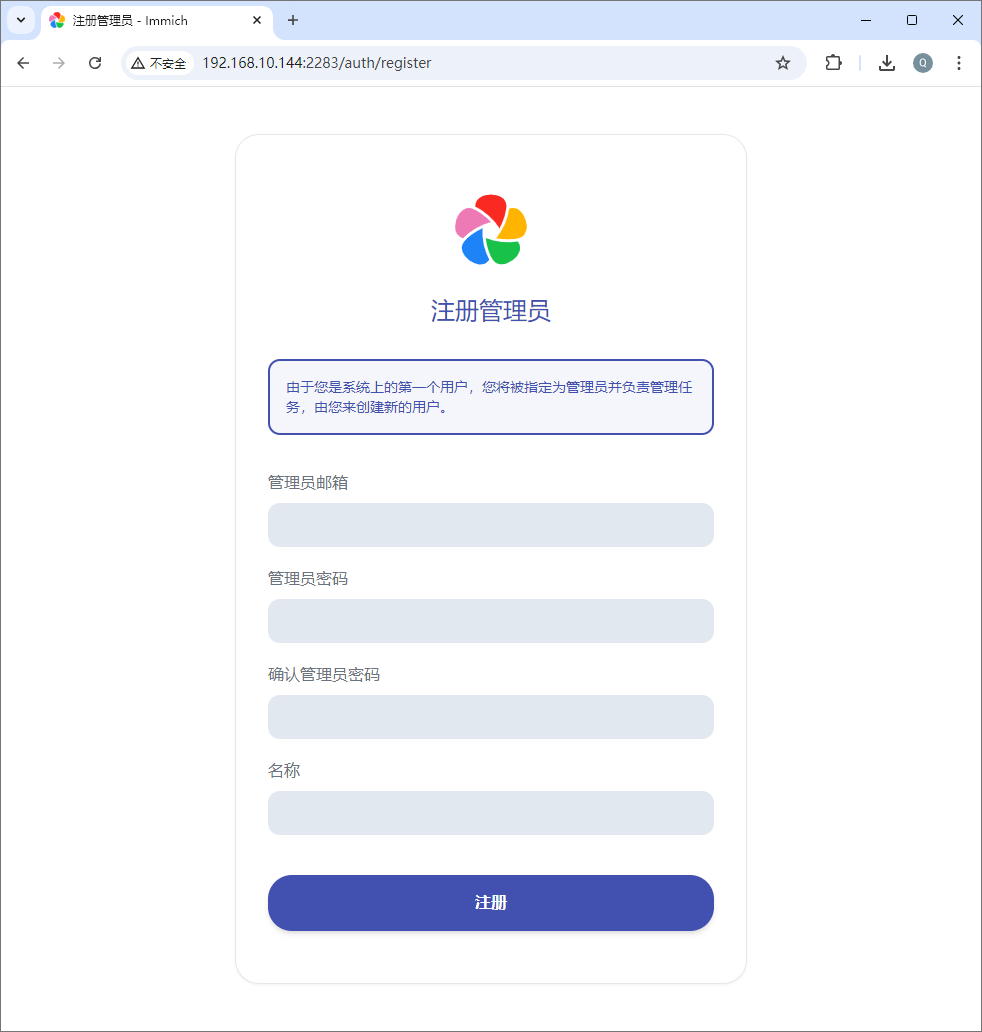
首次登陆需要注册一个做为管理员的用户
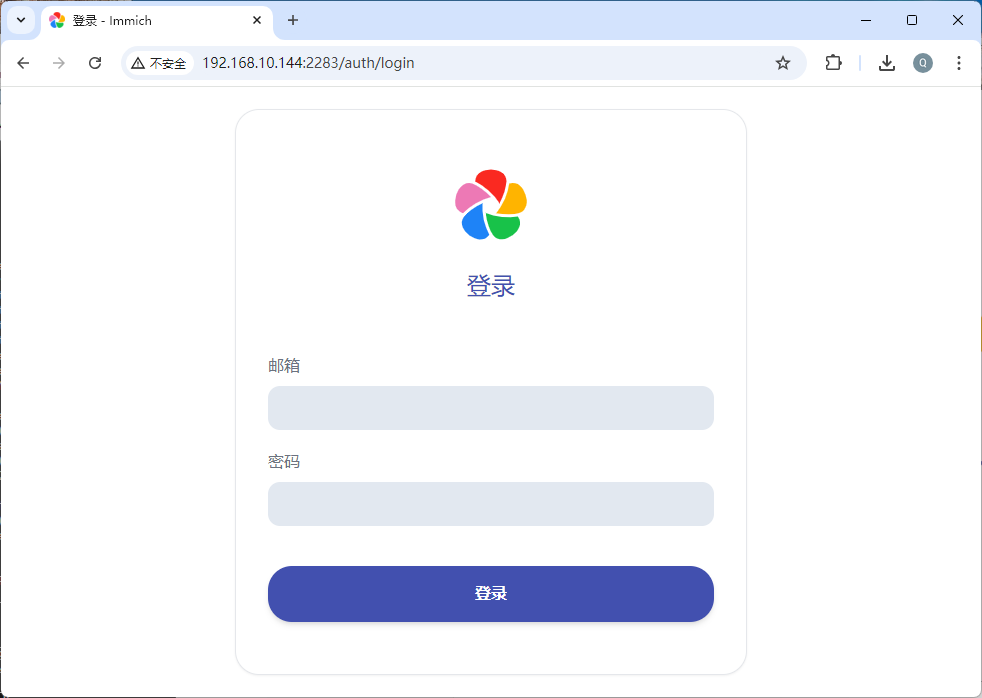
注册完成后跳到登录的界面,邮箱和密码开始配置系统
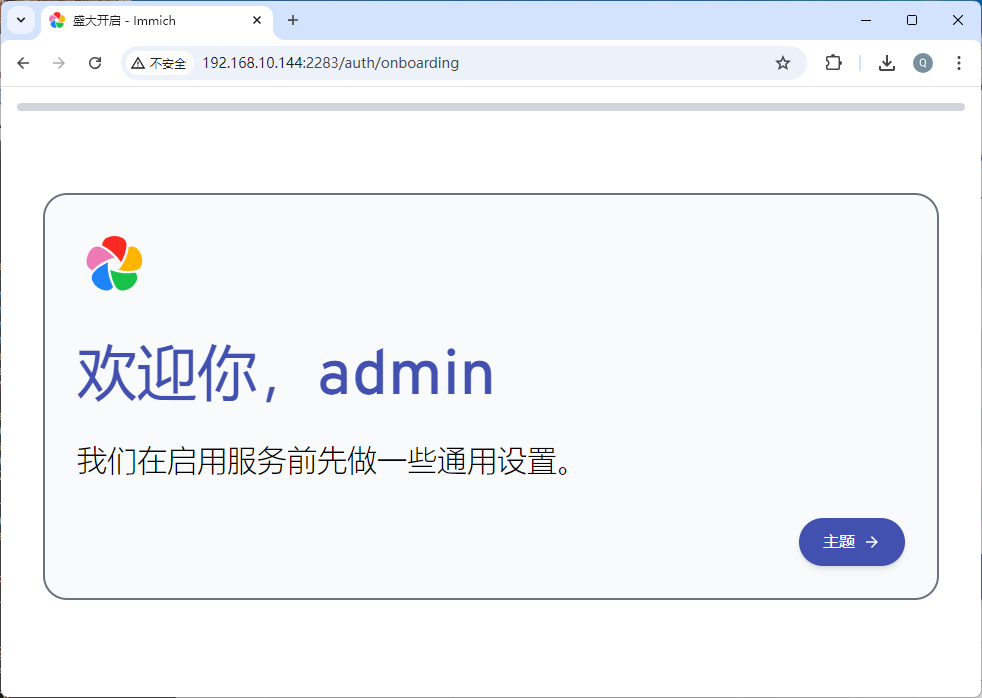
欢迎界面
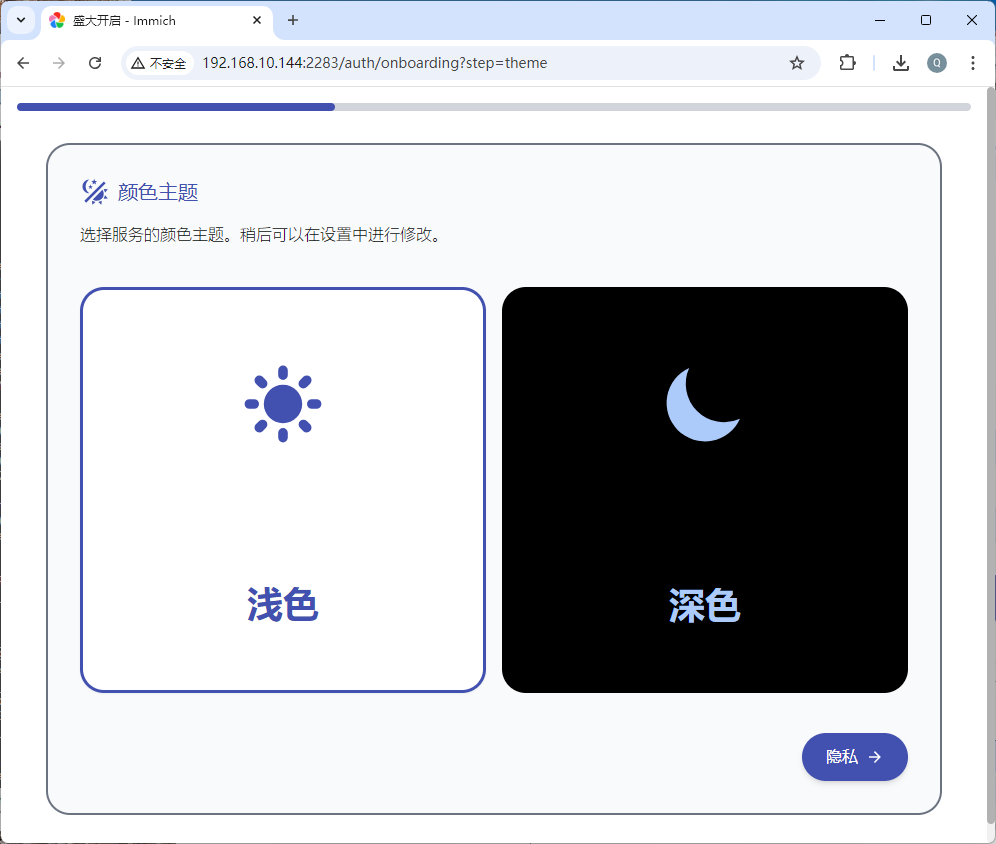
配置主题
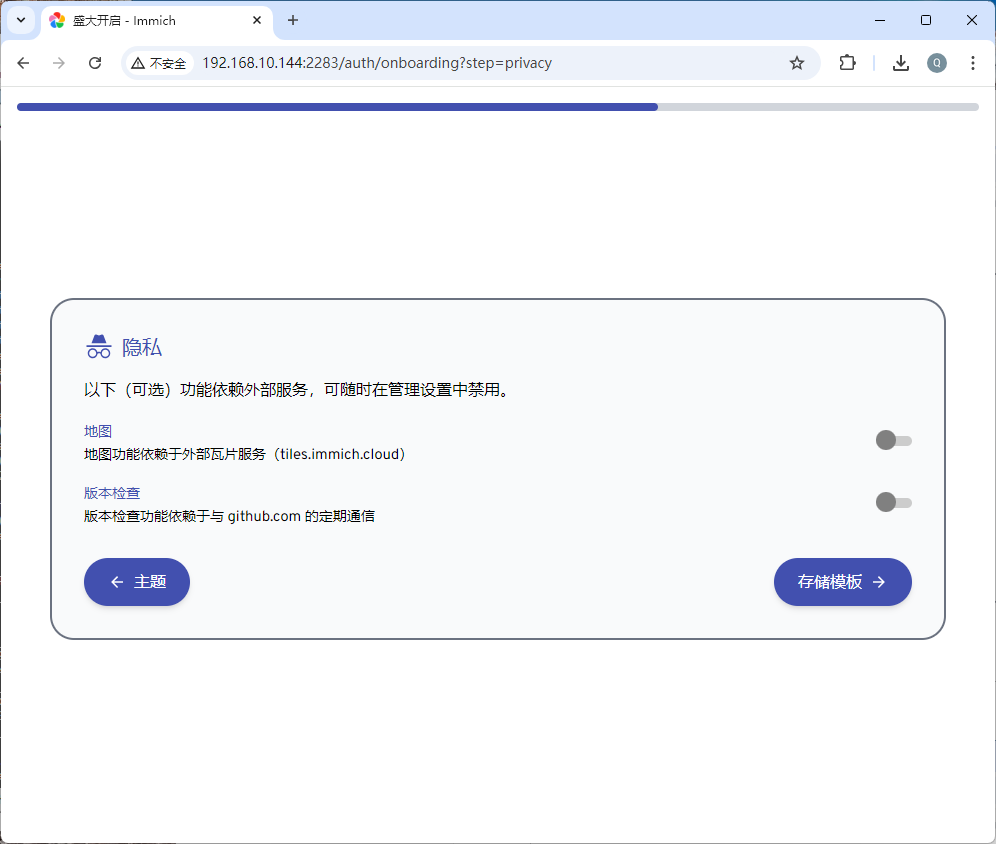
配置隐藏
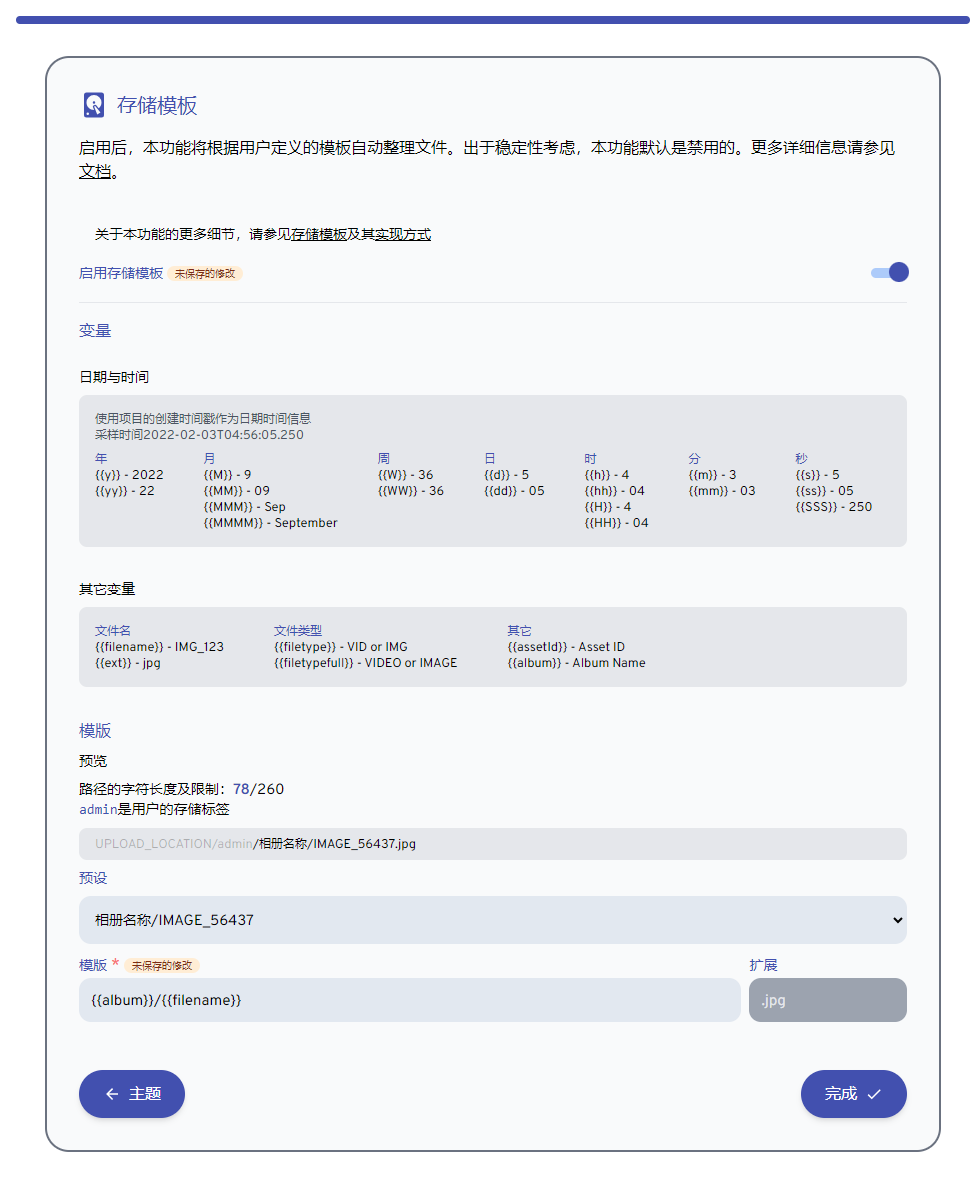
存储模版的配置
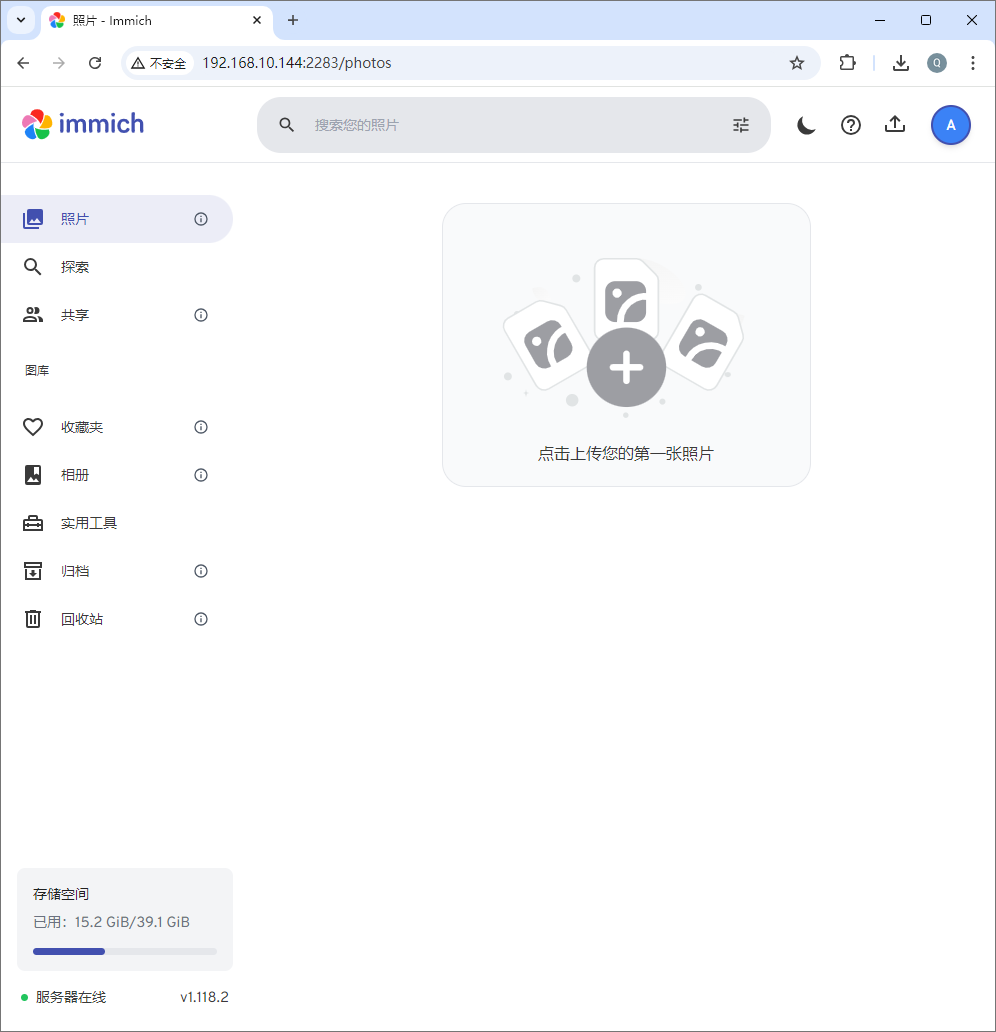
全部配置完成后,就进入到图库的使用界面,可以开始使用了。